Microsoft Teams Is Not a File System (And Why That Matters)
Teams Was Never Designed to Replace Document Management
Microsoft Teams is a collaboration hub—not a document management strategy.
It excels at conversations, meetings, and day-to-day teamwork. However, many organizations unintentionally treat Teams like a file system.
As a result, confusion grows, duplication increases, and long-term issues surface only after Teams sprawl has already taken hold. This is one of the most common challenges we address through Microsoft Teams Consulting & Governance.
Where Teams Files Actually Live
To understand why this matters, it helps to know what’s happening behind the scenes.
Every file shared in Microsoft Teams is stored in SharePoint. Specifically:
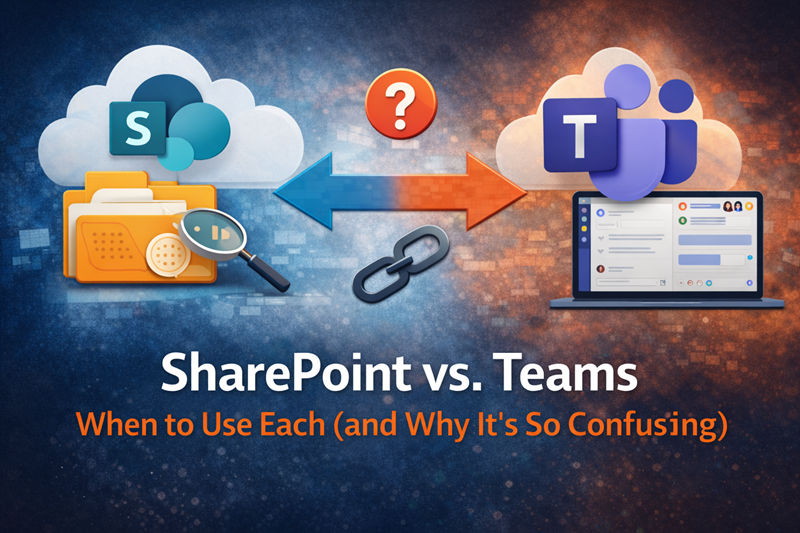
Each Team is backed by a SharePoint site
Each channel maps to a document library or folder
All file permissions inherit from SharePoint
When organizations ignore this relationship, unintended consequences follow quickly—especially around security, structure, and search.
Why Files Feel “Lost” in Teams
When Teams becomes the primary place for document storage, problems emerge fast.
For example:
Files get buried in busy channels
Important documents scroll out of view as conversations move on
Context disappears once chats shift topics
Because Teams is optimized for activity—not long-term content management—users struggle to find information later. Over time, trust in the platform declines.
When Teams Is the Right Place for Files
That said, Teams absolutely has a role in file collaboration.
Teams works best for:
In-progress collaboration
Draft documents
Short-term working files
Team-specific content
In these scenarios, keeping files close to conversations makes sense and improves productivity. This balance is a key theme in our Microsoft Teams FAQs.
When SharePoint Is the Better Choice
As work matures, SharePoint should take the lead.
SharePoint is better suited for:
Authoritative or “final” documents
Long-term reference content
Cross-team visibility
Structured metadata and enterprise search
When organizations treat everything as a Teams file, they undermine SharePoint’s strengths and make governance far more difficult. This is why file strategy is a core part of SharePoint Consulting Services.
The Cost of Treating Teams Like a File System
Over time, organizations that rely on Teams for document management experience predictable issues:
Duplicate files spread across multiple Teams
Confusion about which version is final
Poor search results and low confidence
Difficulty preparing content for Copilot
Eventually, these problems compound—and cleanup becomes far more expensive than designing things correctly upfront.
A Better Mental Model
A simple shift in thinking makes a big difference:
Teams = collaboration and conversation
SharePoint = structure and source of truth
When each tool is used for what it does best, adoption improves, governance simplifies, and users gain confidence.
Why This Matters Even More for Copilot
Microsoft Copilot pulls content from both Teams and SharePoint.
However, when Teams is overloaded with unmanaged files:
AI results become noisy
Important documents are harder to surface
Trust in AI responses declines
Clear structure directly improves AI outcomes, which is why document strategy is foundational to Copilot Readiness for SharePoint.
For common questions on this topic, our Copilot Readiness FAQs dive deeper.
The Bottom Line
Microsoft Teams isn’t a file system—and forcing it to behave like one weakens both Teams and SharePoint.
Clear guidance on where files belong isn’t just a best practice.
It’s essential for adoption, governance, search quality, and Copilot success.