Skip to content

M365 / SHAREPOINT NEWS & INFORMATION

The dataBridge Blog shares expert insights on SharePoint and Microsoft 365 consulting, including strategy, governance, adoption, Microsoft Teams, and Copilot readiness. Explore practical guidance shaped by over 20 years of real-world SharePoint experience.

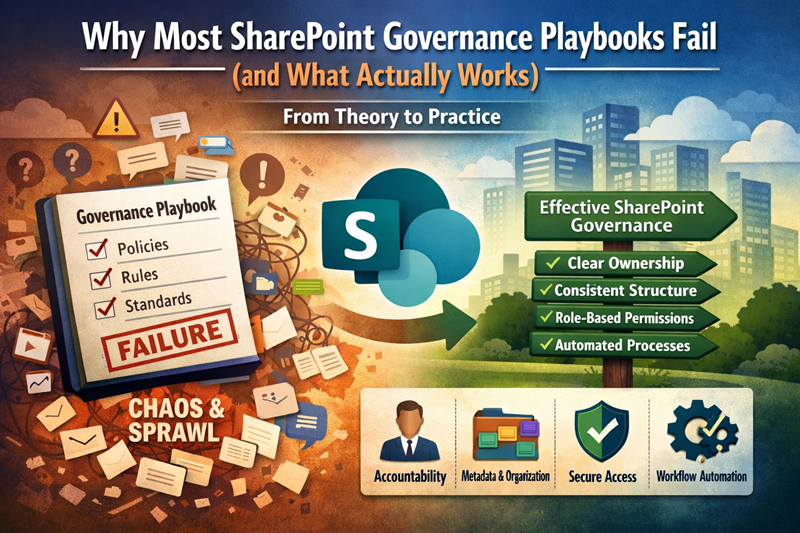
Why Most SharePoint Governance Playbooks Fail

Why Most SharePoint Governance Playbooks Fail (and What Actually Works)

Most SharePoint governance playbooks fail for one reason: they treat governance like a document instead of a system.
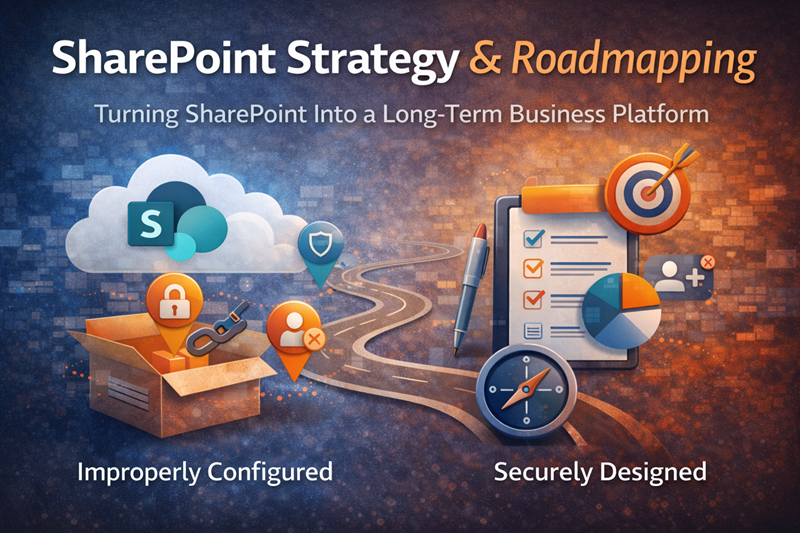
SharePoint strategy and roadmapping illustration showing the transition from improperly configured environments to securely designed, long-term business platforms.

SharePoint Strategy & Roadmapping for Long-Term Success

Many organizations deploy SharePoint quickly. Far fewer deploy it intentionally. As a result, SharePoint often starts strong but becomes fragmented over time.
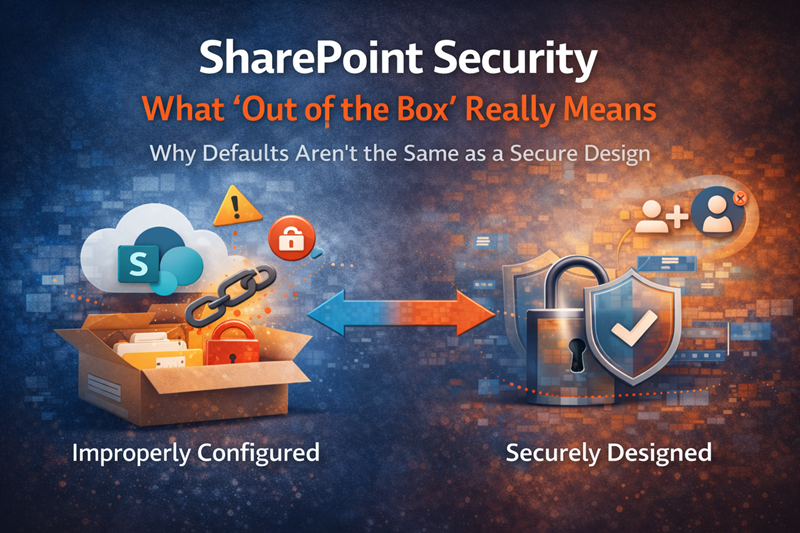
SharePoint security improperly configured vs securely designed

SharePoint Security: What “Out of the Box” Really Means

What does “out of the box” SharePoint security really mean? Learn what’s secure by default—and what still needs fixing.
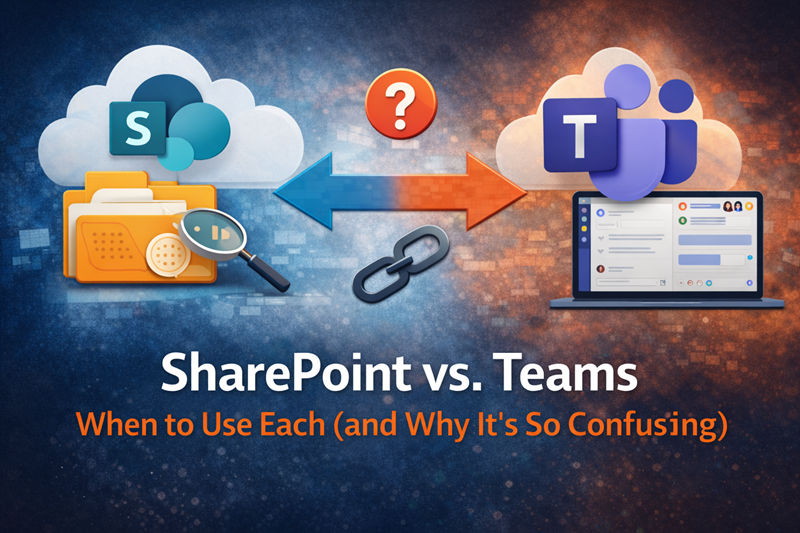
SharePoint vs Teams comparison and when to Use Each

SharePoint vs Teams

One of the most common questions users ask is simple: Should this live in Teams or SharePoint? The confusion isn’t user error—it’s a lack of clear guidance.
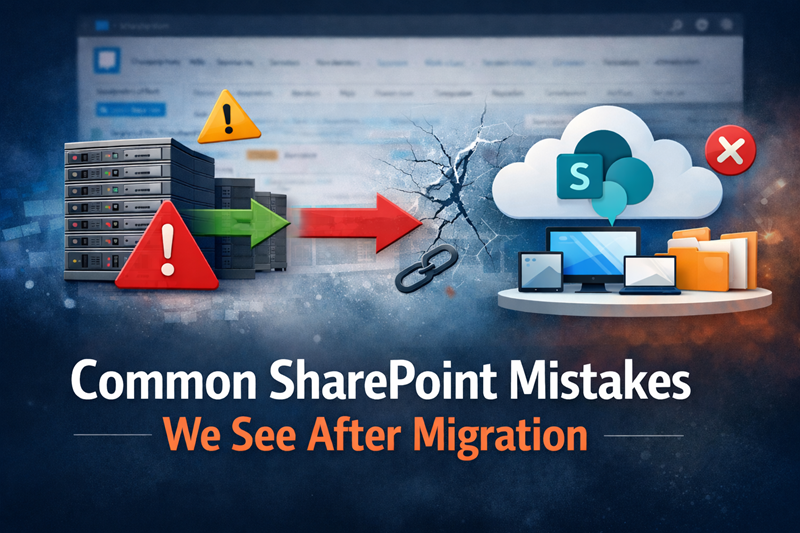
Common SharePoint Mistakes We See After Migration

Common SharePoint Mistakes We See After Migration

Migrated to SharePoint but struggling? Learn the most common SharePoint mistakes after migration—and how to fix them.
SharePoint Consultation, Development and Training

Smarter Content Better Governance Real Control in Microsoft 365

From archived content search to Content AI automation and advanced permissions reporting, this session focused on practical tools administrators and platform owners can use right now.
Why Microsoft Teams Becomes Chaotic Without Structure

Why Teams Becomes Chaotic

Microsoft Teams becomes chaotic without structure. Learn why sprawl happens—and how to fix it.
-Microsoft Lists - Create a list from CSV -Inline playback of videos in SharePoint Highlighted content web parts for grid, carousel, and filmstrip layouts -Site-Level vs. Tenant-level Term Sets -How to Schedule News Posts -Part 2: How to use and apply sensitivity labels

Why SharePoint Governance Fails (And How to Fix It)

Learn why SharePoint governance fails—and how to fix it with practical structure, security, and ownership that actually works.

Consulting vs. Implementation

Consulting vs. Implementation: Why the Difference Matters - Many SharePoint projects fail because implementation starts before consulting.
Copilot in SharePoint Custom forms and approvals using adaptive cards. SharePoint signature

Teams Is Not a File System

Microsoft Teams isn’t a file system. Learn where files really live, why confusion happens, and how to fix it.
three powerful capabilities shaping the future of SharePoint and Microsoft 365: scalable hub architecture, organizational visibility, and AI-driven knowledge management

Smarter Structure – Clearer Context & AI-Driven Knowledge in Microsoft 365

three powerful capabilities shaping the future of SharePoint and Microsoft 365: scalable hub architecture, organizational visibility, and AI-driven knowledge management
-Site Limits for SharePoint Lists, Libraries, and Subsites -Use Sign Language View in Microsoft Teams -OneDrive: Updated Files On-Demand Settings on Windows -Custom List View inline editing (new formatting concepts in JSON)

Design Better Sites Secure Content and Prepare for AI in Microsoft 365

From visual branding and document protection to site lifecycle management and Copilot readiness, this session delivered practical guidance for SharePoint owners, administrators, and IT leaders.
SharePoint Consulting and Development

Automate Work – Improve Collaboration and Gain Better Insight in SharePoint

From task automation in lists to page collaboration and advanced analytics, this session highlighted small changes that can make a big difference when applied intentionally
SharePoint Consultation, Development and Training

Protect Data with Entra and Build Smarter SharePoint Dashboards

Protecting data through identity-driven controls and delivering better visibility through modern SharePoint dashboards.
three powerful capabilities shaping the future of SharePoint and Microsoft 365: scalable hub architecture, organizational visibility, and AI-driven knowledge management

What Makes a Good SharePoint Consultant?

Learn what to look for in a SharePoint consultant—from governance and security to adoption and Copilot readiness.
Design Ideas for Quick Links Webpart - Options for Organizing Links - Using Dataflows & DataVerse tables to sync to SharePoint for scalable solutions for PowerApps

Design Smarter Pages Organize Links and Scale Power Apps

From improving visual layouts to structuring navigation and handling large datasets, this session delivered hands-on guidance for making SharePoint work better at scale.
SharePoint Intranet User Adoption best practices

SharePoint Intranet Adoption

Best Practices for a Smooth Rollout. Here are the top ways to encourage engagement and ensure your SharePoint intranet becomes an integral part of your company culture.


Use Copilot to compare up to 5 files -New Features in MS List Forms, complex fields, conditional branching etc. -Flexible SharePoint Page Layout Sections -SharePoint Pages Accessibility Assistant Filter Search Results by Messages

SharePoint Concierge Webinar

-Use Copilot to compare up to 5 files -New Features in MS List Forms, complex fields, conditional branching etc. -Flexible SharePoint Page Layout Sections -SharePoint Pages Accessibility Assistant -Filter Search Results by Messages
Confident business leader representing trust and clarity gained from choosing dataBridge SharePoint consulting to guide structure, governance, and long-term platform success.

SharePoint Concierge Webinar

-SharePoint: Approvals integration in Document Libraries -Overview of Share Control -How to insert SharePoint Metadata into a document using Quick Parts -Updated Hero web part with new layout & styles -Editorial Card web part in SharePoint Pages and News
-New! How to prevent all editors from making changes to new modern list forms -New! MS Lists Embed iFrame feature -New! Learn how to utilize Copilot Features to summarize and ask questions about documents -SharePoint Site Lifecycle Management -Learning about Retention Policies and Labels to meet regulatory and governance needs

Using Copilot Lists and Governance Features to Improve SharePoint

-New! How to prevent all editors from making changes to new modern list forms -New! MS Lists Embed iFrame feature -New! Learn how to utilize Copilot Features to summarize and ask questions about documents -SharePoint Site Lifecycle Management -Learning about Retention Policies and Labels to meet regulatory and governance needs

Improving Accuracy Automation & Usability Across SharePoint & Microsoft 365

-MS Word Business Connection -Drag and Drop to Reorder Items in Microsoft Lists -How to use page anchors/bookmarks on long modern pages -Microsoft Forms - Using Dynamic Prefilled value links
-Slash Commands in MS Teams -File Image preview in Microsoft Teams chats and channels -Intro to Information Architecture: Taxonomies and Folksonomies -SharePoint Autofill Columns IN MS Syntex -SharePoint: New Banner web part

Improving SharePoint Content Organization Automation & User Experience

Explore updates and concepts that help organizations design better information architecture, work faster in Microsoft Teams, automate document classification, and modernize SharePoint page experiences.
-Learn how you can manage access to MS Teams meeting artifacts -Apply Custom Images for Section Backgrounds on SharePoint Pages -How to apply Shapes to Images in SharePoint -Query String URL Tricks for SharePoint and Microsoft 365 -SharePoint Start revamped

Improving Control & Discoverability Across SharePoint

-Learn how you can manage access to MS Teams meeting artifacts -Apply Custom Images for Section Backgrounds on SharePoint Pages -How to apply Shapes to Images in SharePoint -Query String URL Tricks for SharePoint and Microsoft 365 -SharePoint Start revamped
Why Microsoft Teams Becomes Chaotic Without Structure

Microsoft 365 Feature Updates That Improve Collaboration

-How to Create an Event Sign Up in MS Bookings -How to set up Official Campaigns in Viva Exchange -Microsoft Teams Meet Now -New Stream App in Teams Chat/Channels Tab -Introducing NEW Custom Fonts for SharePoint
-New! List form designer feature -New! Intelligent Document Processing -Modern Document Sets -Compliance Center Audits -New! section backgrounds in SharePoint Pages and News Pages

Microsoft 365 Updates Improve DMS, Automation & Governance

-New! List form designer feature -New! Intelligent Document Processing -Modern Document Sets -Compliance Center Audits -New! section backgrounds in SharePoint Pages and News Pages
Copilot in SharePoint Custom forms and approvals using adaptive cards. SharePoint signature

Microsoft 365 Updates That Elevate Content Creation, Automation & Trust

-New Feature! Copilot in SharePoint -Custom forms and approvals using adaptive cards -SharePoint signature
-How to Favorite a List and easily access it from the app launcher menu -Notify Users when you upload files to a library option -Learn how to easily add content types to lists in modern views -Editing Modern List views -How to Create a blog with Modern SharePoint Pages -SharePoint: Microsoft Lists – Commenting -Improvements to SharePoint pages- Authoring -Create a theme for M365 Groups in addition to the default theme -Easily Change a Site Name -Easily Change a Site Address -Change your SharePoint domain name and prepare for its impact

Microsoft 365 Updates for Productivity & Findability

-Learn How to ad Admin-curated Acronyms to improve your search experience using the Acronyms and Q&A features in Search & Intelligence -Highlighting Accessibility Updates to Tables in SharePoint -Add a survey, poll, or quiz to a video at specific times -Workflows within Microsoft Teams chats menu -Microsoft Teams Voice isolation
-Create A document Library From An Existing Library -Microsoft's Archive -Microsoft Walkie Talkie -How To save files and folders as Favorites, add Shortcuts, and leverage Bookmarks in SharePoint -SharePoint Video collection Pages

M365 Updates Improve Content Consistency Storage Efficiency & Productivity

-Create A document Library From An Existing Library -Microsoft's Archive -Microsoft Walkie Talkie -How To save files and folders as Favorites, add Shortcuts, and leverage Bookmarks in SharePoint -SharePoint Video collection Pages
-Built in Library Templates -Planning for 2013 Workflows Retirement -Microsoft Teams forms/requests/approvals. Create your own, or choose from many available templates -SharePoint News in Outlook -Require Organizational Background in MS Teams (Premium) -Learn how to add an alert message in the top banner of your SharePoint Online

Modern SharePoint and Teams Capabilities

-Built in Library Templates -Planning for 2013 Workflows Retirement -Microsoft Teams forms/requests/approvals. Create your own, or choose from many available templates -SharePoint News in Outlook -Require Organizational Background in MS Teams (Premium) -Learn how to add an alert message in the top banner of your SharePoint Online
-Microsoft Lists - Create a list from CSV -Inline playback of videos in SharePoint Highlighted content web parts for grid, carousel, and filmstrip layouts -Site-Level vs. Tenant-level Term Sets -How to Schedule News Posts -Part 2: How to use and apply sensitivity labels

SharePoint Enhancements That Improve Lists

-Microsoft Lists - Create a list from CSV -Inline playback of videos in SharePoint Highlighted content web parts for grid, carousel, and filmstrip layouts -Site-Level vs. Tenant-level Term Sets -How to Schedule News Posts -Part 2: How to use and apply sensitivity labels
Why Microsoft Teams Becomes Chaotic Without Structure

Strengthening SharePoint Security & Automation

-Open non-Office files in desktop apps to view and make changes then sync back to OneDrive or SharePoint -Retirement of Classic Stream webpart and the new Stream webpart -How to use custom list templates with packaged flows -How to use and apply sensitivity labels
three powerful capabilities shaping the future of SharePoint and Microsoft 365: scalable hub architecture, organizational visibility, and AI-driven knowledge management

Modernizing Workflows Across SharePoint and Teams

-Microsoft Teams Meeting Recap -Planner integration – the new Task list for SharePoint in Office 365 -How to Set up recurring tasks In Planner -SharePoint: Migrate SharePoint 2010 and 2013 workflows to Power Automate
-Key Enhancements in Microsoft Teams Premium -Learn to display lists and libraries from other SharePoint sites using the Embed web part -Enable the communication site experience on classic team sites -Use PowerShell to create your Organization's Assets Library -Quickly find your content in the Microsoft 365 ecosystem -Unlucky 13 - How to avoid Lookup Column Threshold on a view

SharePoint & Microsoft 365 Updates That Improve Structure Visibility & Productivity

-Key Enhancements in Microsoft Teams Premium -Learn to display lists and libraries from other SharePoint sites using the Embed web part -Enable the communication site experience on classic team sites -Use PowerShell to create your Organization's Assets Library -Quickly find your content in the Microsoft 365 ecosystem -Unlucky 13 - How to avoid Lookup Column Threshold on a view
-How to Favorite a List and easily access it from the app launcher menu -Notify Users when you upload files to a library option -Learn how to easily add content types to lists in modern views -Editing Modern List views -How to Create a blog with Modern SharePoint Pages -SharePoint: Microsoft Lists – Commenting -Improvements to SharePoint pages- Authoring -Create a theme for M365 Groups in addition to the default theme -Easily Change a Site Name -Easily Change a Site Address -Change your SharePoint domain name and prepare for its impact

Practical SharePoint Improvements That Drive User Adoption

-How to Favorite a List and easily access it from the app launcher menu -Notify Users when you upload files to a library option -Learn how to easily add content types to lists in modern views -Editing Modern List views -And much more
Use Copilot to compare up to 5 files -New Features in MS List Forms, complex fields, conditional branching etc. -Flexible SharePoint Page Layout Sections -SharePoint Pages Accessibility Assistant Filter Search Results by Messages

SharePoint and Microsoft 365 Integration

SharePoint integrates seamlessly with Microsoft 365, forming a powerful collaboration ecosystem that enhances productivity and simplifies workflows for users.
SharePoint Consulting and Development

A SharePoint Branding Primer

SharePoint branding refers to the process of customizing the appearance and user interface of SharePoint sites to align with an organization's visual identity and brand guidelines.
-Site Limits for SharePoint Lists, Libraries, and Subsites -Use Sign Language View in Microsoft Teams -OneDrive: Updated Files On-Demand Settings on Windows -Custom List View inline editing (new formatting concepts in JSON)

SharePoint Concierge Webinar

-Site Limits for SharePoint Lists, Libraries, and Subsites -Use Sign Language View in Microsoft Teams -OneDrive: Updated Files On-Demand Settings on Windows -Custom List View inline editing (new formatting concepts in JSON)
-Learn how you can manage access to MS Teams meeting artifacts -Apply Custom Images for Section Backgrounds on SharePoint Pages -How to apply Shapes to Images in SharePoint -Query String URL Tricks for SharePoint and Microsoft 365 -SharePoint Start revamped

Intro into SharePoint Enterprise

SharePoint Enterprise is an advanced version of Microsoft SharePoint that caters to the complex needs of large organizations, offering robust security, compliance features, advanced business intelligence, workflow automation, and scalability.
-SharePoint: External File Request in SharePoint Document Library -SharePoint and OneDrive deploying hard block for IE11 in January 2023 -Automate your life: How to schedule PnP PowerShell Scripts without a user name and passwords -Modern alert rules and DIY date reminders for lists and libraries

SharePoint & Microsoft 365 Updates That Strengthen Security, & Automation

-SharePoint: External File Request in SharePoint Document Library -SharePoint and OneDrive deploying hard block for IE11 in January 2023 -Automate your life: How to schedule PnP PowerShell Scripts without a user name and passwords -Modern alert rules and DIY date reminders for lists and libraries
-Site Limits for SharePoint Lists, Libraries, and Subsites -Use Sign Language View in Microsoft Teams -OneDrive: Updated Files On-Demand Settings on Windows -Custom List View inline editing (new formatting concepts in JSON)

What Is SharePoint

SharePoint is a collaboration and document management platform developed by Microsoft, allowing organizations to create, share, and manage content in a centralized manner.

THE SEARCH IS OVER

We're a Microsoft SharePoint partner - everything you need IS right here

For more information about how dataBridge can transform your business with improved corporate communication, collaboration, forms, workflows, and document management, contact us today.