Copilot Does Not Fix Content Sprawl. It Exposes It.
Microsoft Copilot changes how people search, summarize, compare, and interact with information across Microsoft 365.
That is exactly why cleanup matters before rollout.
When organizations start preparing for Copilot, they often focus first on licenses, use cases, prompts, and training. Those things matter. However, Copilot does not create a trustworthy information environment on its own. It works with the content, permissions, structure, and governance that already exist.
If that foundation is cluttered, duplicated, outdated, or poorly organized, Copilot usually makes those weaknesses more visible.
That is why Copilot Readiness for SharePoint should never be treated as a product configuration exercise alone. It is also a content rationalization exercise.
In our experience, one of the fastest ways to weaken Copilot trust is to roll it out on top of unmanaged content sprawl. Users do not usually say, “Our information architecture is inconsistent.” They say, “Copilot gave me the wrong file,” or “I got three different answers from the same environment.”
That is not an AI problem first.
It is a content quality problem showing up through AI.
A simple truth tends to hold up here: if your SharePoint environment is carrying years of ROT content, Copilot will not ignore it just because your team wishes it would.
Why This Decision Matters Before Rollout
Before Copilot, many organizations were able to live with a surprising amount of information disorder.
Old files stayed in place. Duplicate documents piled up. Libraries became crowded. Retired team sites were never cleaned up. Folder structures kept growing. Nobody loved that situation, but many teams learned to work around it.
Copilot changes the cost of that tolerance.
Once AI starts retrieving, summarizing, or referencing content across Microsoft 365, legacy clutter becomes more than an inconvenience. It becomes a trust issue.
That is one reason the questions in Copilot Readiness FAQs matter so much. Structure, permissions, governance, and content quality are not side considerations. They directly influence whether users trust what Copilot brings back.
The challenge is not simply deciding what content exists.
The challenge is deciding which content still deserves to remain active and discoverable in the environments Copilot will rely on.
Content cleanup is still the core job, but organizations that also need a control layer for Copilot governance should look at how SharePoint Advanced Management helps reduce exposure, support reviews, and limit discovery while rationalization work continues.
That is where organizations need a practical model for what to archive, what to keep, and what to delete.
What to Archive Before Copilot Rollout
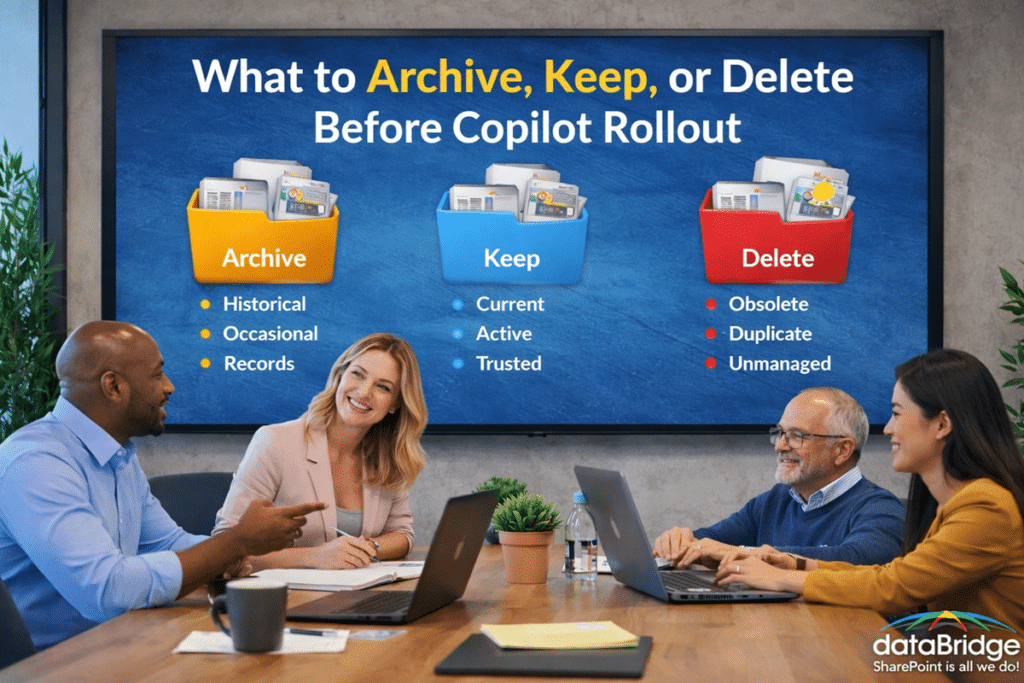
Archiving is often the right answer when content still has value, but should no longer stay in the active collaboration layer.
This is an important distinction.
Not every older file should be deleted. However, not every older file should stay in active SharePoint workspaces either.
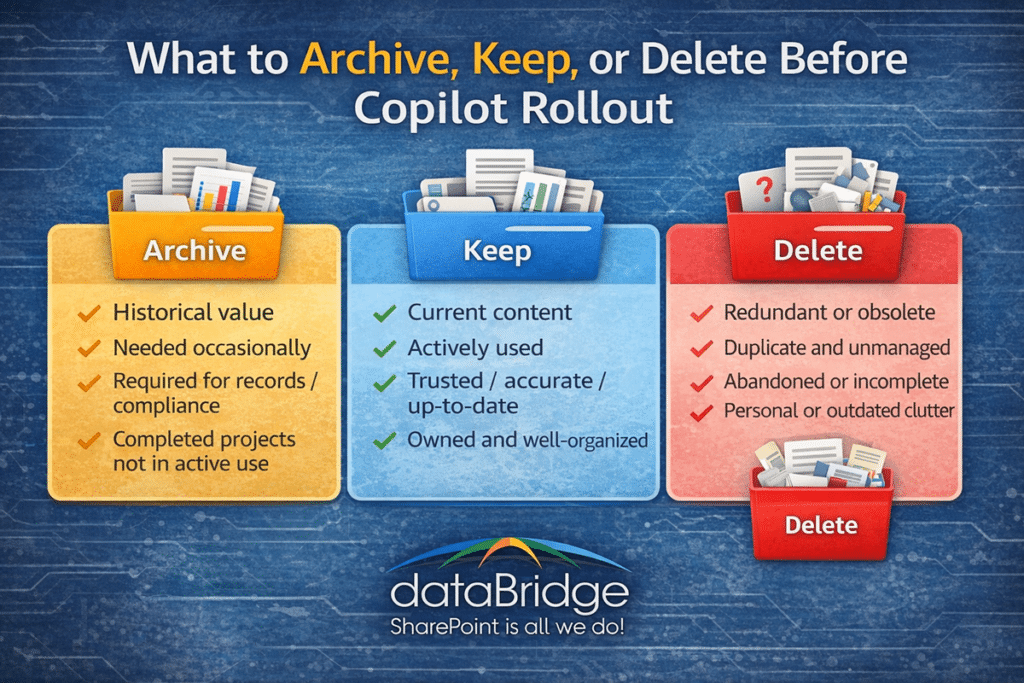
Content is usually a good candidate for archiving when it is:
- Historically important but no longer operationally active
- Required for reference, records, or compliance purposes
- Part of completed projects that still need retention
- Useful occasionally, but not part of day-to-day decision-making
- Too old to remain in active team libraries without creating noise
Archiving helps reduce clutter without forcing the organization to lose material it may still need later.
For SharePoint sites that are no longer active but still need to remain available, Microsoft 365 Archive for SharePoint can become part of that cleanup model. It gives organizations another option between keeping inactive sites fully active and deleting content too aggressively.
In practical terms, this often includes:
- Closed project files
- Superseded but still retained policies
- Legacy departmental records
- Historical meeting artifacts
- Older migrated file-share content that no longer supports active work
For many organizations, the challenge is not deciding whether this content has any value at all. The challenge is deciding whether it still belongs in the same active search and collaboration spaces users depend on every day.
That is why strong content rationalization often supports a broader SharePoint Document Management System strategy. A mature document environment does not treat every file as equally active forever.
What to Keep Before Copilot Rollout
The “keep” category should be more selective than many organizations expect.
Content should generally stay active and highly discoverable when it is current, trusted, and still tied to real business use.
That usually includes content that is:
- Actively used by teams today
- Required for current operational work
- Maintained by a clear owner
- Aligned to current business processes
- Accurate enough to support search, summarization, and AI retrieval
- Stored in the right site, library, or document-management context
This is where many organizations benefit from being more disciplined.
Just because content exists in SharePoint does not mean it deserves equal visibility in a Copilot-enabled environment.
The “keep” decision should be based on relevance, ownership, and trustworthiness.
A useful question is this: if Copilot surfaces this file tomorrow, would a user still want to rely on it?
If the answer is yes, that content likely belongs in the keep category.
If the answer is uncertain, the content may need review, reclassification, relocation, or retirement before rollout.
This is also where SharePoint Metadata Strategy Guide becomes highly relevant. Good metadata helps organizations distinguish between active and inactive content, surface the right material more consistently, and reduce the ambiguity that weakens Copilot outcomes.
What to Delete Before Copilot Rollout
Deletion is often the hardest category emotionally, even when it is the easiest category operationally.
Many environments contain files that no one trusts, no one owns, and no one should still be relying on.
Those files usually do not belong in an AI-enabled environment.
Content is often a strong candidate for deletion when it is:
- Duplicated in multiple locations without a valid reason
- Outdated and clearly no longer useful
- Personal, unofficial, or unmanaged
- Incomplete or abandoned with no business owner
- Left over from migrations without real value
- Replaced by newer approved versions
- Retained only because no one wanted to make a decision
This is where organizations often hesitate.
That hesitation is understandable. Teams worry about deleting something important. They worry someone might need it later. They worry cleanup will create risk.
However, keeping unmanaged digital debris in active collaboration spaces also creates risk. It makes search noisier. It makes trust weaker. And in a Copilot context, it increases the chance that weak content will be surfaced as if it still matters.
Good deletion is not reckless.
Good deletion is deliberate cleanup supported by ownership, review, and retention awareness.
That is one reason SharePoint Migration Checklist is a useful supporting resource even outside a migration project. The same discipline that improves migrations also improves Copilot readiness: do not keep carrying everything forward just because it already exists.
A Practical Way to Decide: Archive, Keep, or Delete
Most organizations do not need a perfect records taxonomy before they can improve.
They need a practical decision model.
That same practical mindset should apply to AI planning, because Copilot Chat vs Microsoft 365 Copilot vs SharePoint agents do not use the same grounding model or create the same content-readiness questions.
A good first-pass framework is this:
Keep it if:
- it is current,
- trusted,
- actively used,
- clearly owned,
- and stored in the right place.
Archive it if:
- it still has business, historical, or compliance value,
- but no longer belongs in the active collaboration layer.
Delete it if:
- it is redundant, obsolete, trivial, unowned, or clearly no longer useful.
That framework sounds simple because it should be simple.
The mistake many organizations make is overcomplicating the first cleanup pass. They assume every item needs a committee-level decision. In reality, large portions of content can usually be categorized much faster than expected once ownership and business purpose are brought back into the conversation.
What matters most is consistency.
Messy environments usually stay messy because no one is making repeatable decisions at scale.