Microsoft Teams works best when it is connected to a well-structured Microsoft 365 environment. This category highlights practical guidance from dataBridge on how Teams, SharePoint, governance, permissions, content structure, collaboration standards, and Microsoft 365 architecture work together to support communication, document management, and long-term usability.
Start Here
If you are evaluating Microsoft Teams strategy, governance, structure, or SharePoint integration, start with the core resources that help improve collaboration, content organization, permissions alignment, and long-term Microsoft 365 success.
Explore our Microsoft Teams Consulting and Governance page to see how dataBridge helps organizations align collaboration, document management, governance, permissions, and Microsoft 365 structure so Teams works as part of a sustainable digital workplace.
Helpful Guide
Read the SharePoint Permissions Guide for practical advice on access structure, ownership, and governance decisions that directly affect how Teams and SharePoint work together across Microsoft 365.
Read the Justice Resource Institute intranet case study to see how dataBridge centralized policies, credential tracking, search, and staff communication across a distributed organization using SharePoint and Microsoft 365 foundations that support better collaboration.
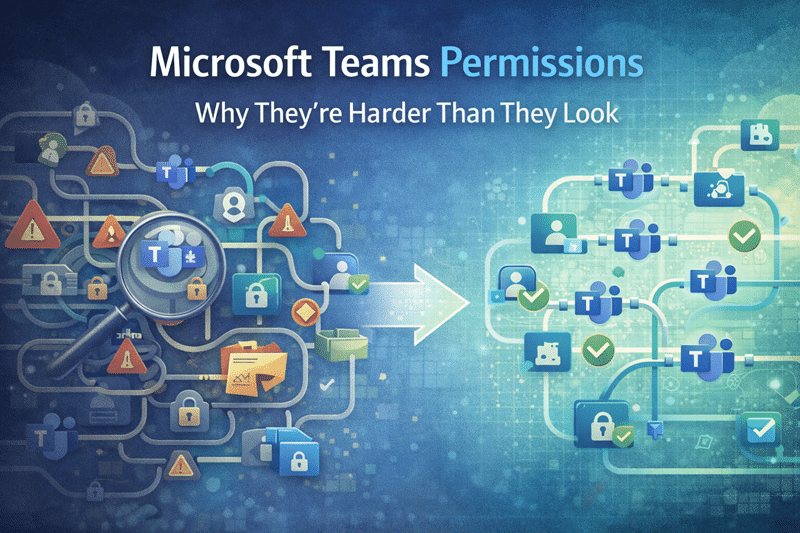
At first glance, Teams permissions seem straightforward.
Add a user to a Team.
They get access.
But beneath the surface, Teams permissions are layered, inherited, and closely tied to SharePoint
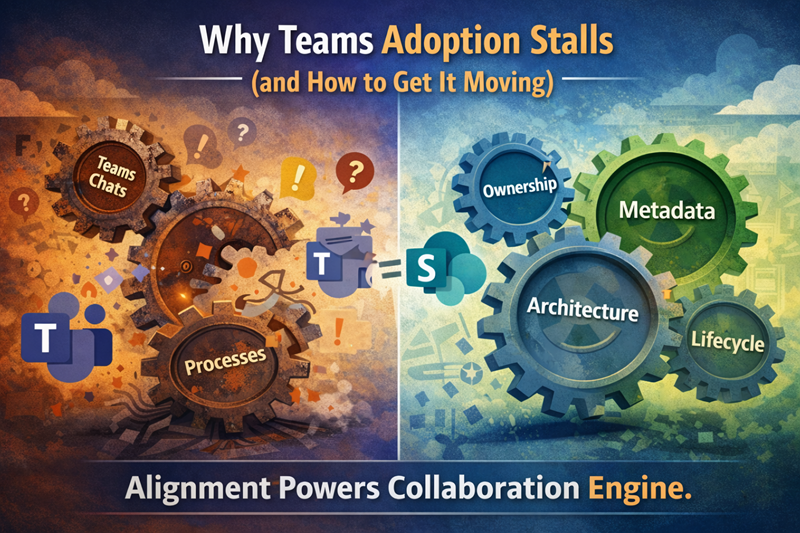
Microsoft Teams adoption stalls when users lack clear guidance on purpose, channels, ownership, files, governance, and how Teams connects to SharePoint.
One of the most common questions users ask is simple:
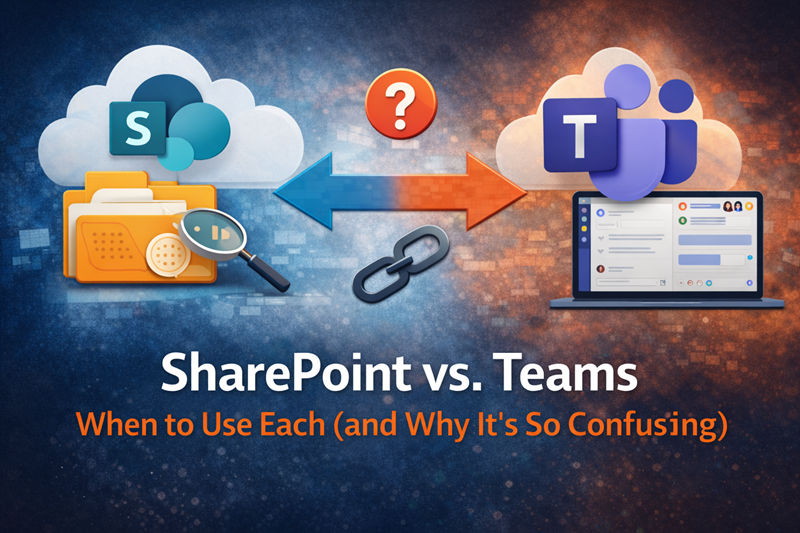
Should this live in Teams or SharePoint?
The confusion isn’t user error—it’s a lack of clear guidance.