Skip to content

Month: March 2026

Business team reviewing SharePoint content cleanup decisions for Copilot rollout with archive, keep, and delete categories and the dataBridge logo

What to Archive, Keep, or Delete Before Copilot Rollout

Before Copilot rollout, organizations need to decide what content should stay active, what should be archived, and what should be deleted. This guide explains how to clean up SharePoint content so AI results are more accurate, trustworthy, and useful.

Read More
SharePoint site owner reviewing permissions and governance documents beside a laptop with a SharePoint dashboard and the dataBridge logo

SharePoint Site Owner Responsibilities: What Owners Must Manage Before Governance Breaks Down

SharePoint site owners play a critical role in permissions, content quality, structure, sharing, and governance execution. Learn what owners should manage before governance starts to break down.
Read More
Hero image for a March 2026 SharePoint webinar recap with SharePoint interface visuals, digital network background, and the dataBridge logo

March 2026 SharePoint Updates Webinar

This March 2026 SharePoint Concierge Webinar recap covers the Bing Maps to Azure Maps transition, document library updates, the Modern FAQ web part, and common SharePoint mistakes organizations should avoid.
Read More
Business professionals reviewing reports in a conference room beside the dataBridge logo and the title The Hidden Business Cost of Poor Power Platform Governance

The Hidden Business Cost of Poor Power Platform Governance

Poor Power Platform governance does not stay an IT issue for long. It creates business risk through duplicate solutions, unclear ownership, security exposure, support challenges, and inconsistent AI outcomes.
Read More
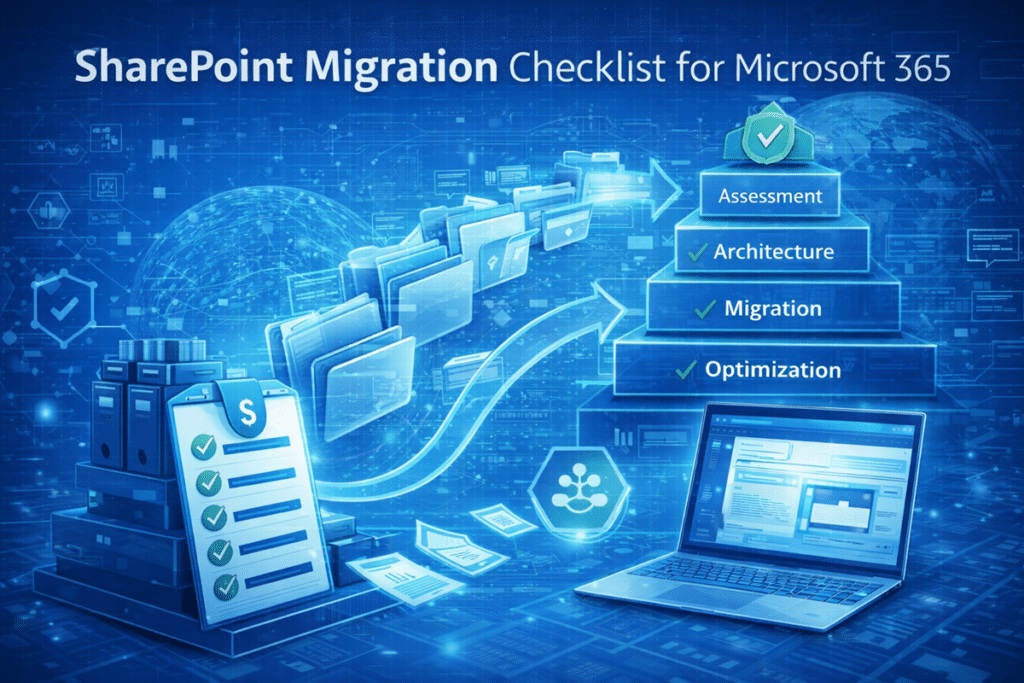
Illustration of a SharePoint migration checklist for Microsoft 365 showing files moving from legacy file shares into SharePoint Online with steps for assessment, architecture, migration, and optimization

SharePoint Migration Checklist for Microsoft 365

A “lift-and-shift” SharePoint migration sounds efficient. In reality, it often recreates the same file chaos organizations were hoping to leave behind. This practical SharePoint migration checklist walks through the steps that matter most—architecture, governance, and content cleanup—so your move to Microsoft 365 actually improves search, collaboration, and long-term usability.
Read More
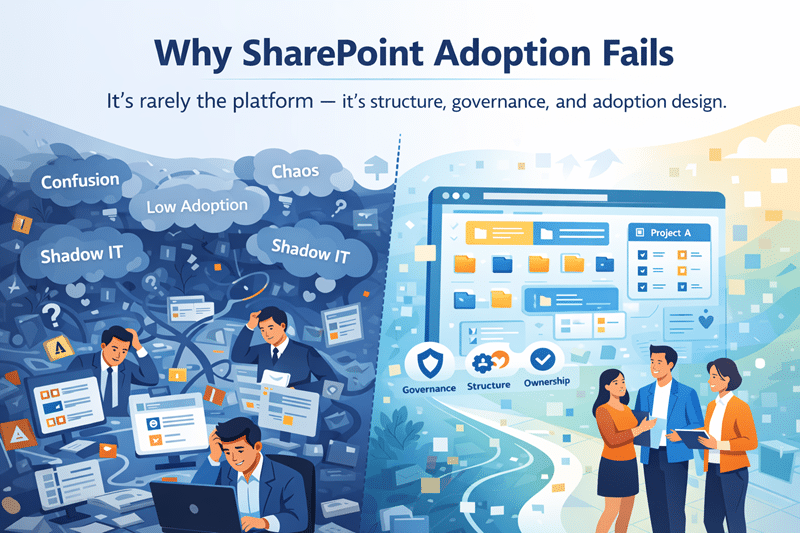
Why SharePoint Adoption Fails

Why SharePoint Adoption Fails

When SharePoint adoption is low, technology often gets the blame. The platform is too complex. Users resist change. The tools don’t fit how people work. In reality, SharePoint adoption usually fails despite solid technology—not because of it.
Read More
Power Apps vs Power Automate

Power Apps vs Power Automate

Power Apps and Power Automate are often treated as interchangeable tools. In reality, they serve very different purposes—and misuse creates fragile solutions.
Read More
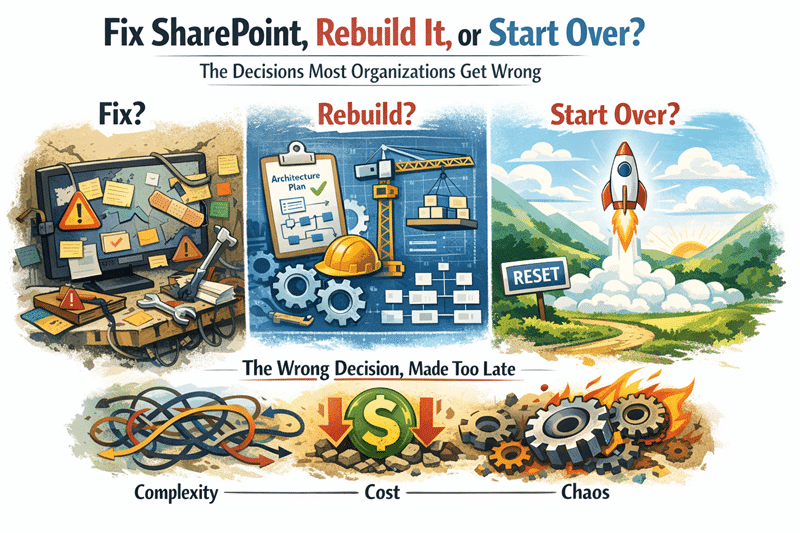
Fix SharePoint Rebuild It or Start Over

Fix SharePoint, Rebuild It, or Start Over

Most organizations don’t fail with SharePoint because of bad execution — they fail because they make the wrong decision too late.
Read More
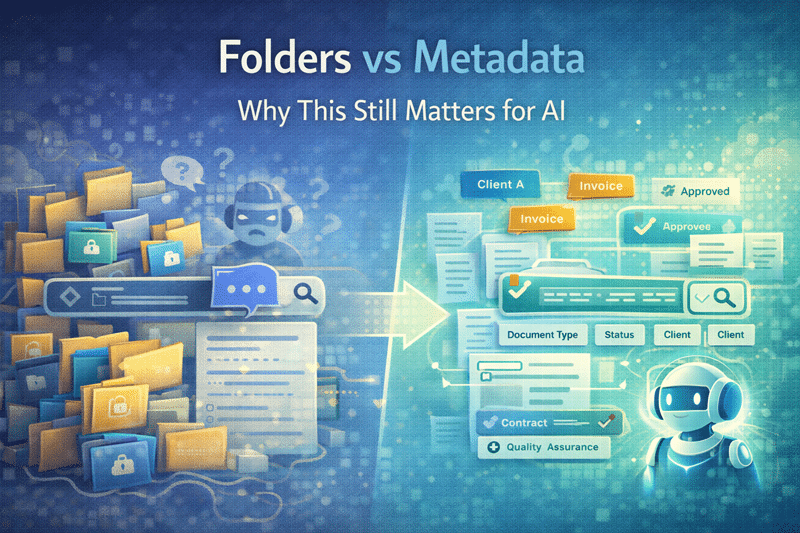
Folders VS Metadata: Why it still matters for AI

Folders vs Metadata: Why This Still Matters for AI

The folders vs metadata debate has existed since SharePoint’s earliest days. With AI tools like Microsoft Copilot now relying on content context, the outcome of this debate matters more than ever.
Read More