SharePoint and Microsoft 365 Integration
SharePoint Is the Foundation of Microsoft 365 Collaboration
At the center of Microsoft 365 sits SharePoint.
Rather than operating as a standalone tool, SharePoint integrates deeply with Microsoft 365 to form a connected collaboration ecosystem. When organizations design this integration intentionally, they simplify work, reduce friction, and improve productivity across teams.
Instead of juggling disconnected tools, users experience Microsoft 365 as a single, cohesive platform—powered by SharePoint.
Document Management and Collaboration Start with SharePoint
First and foremost, SharePoint acts as the document management backbone of Microsoft 365.
It provides a centralized, secure location to store, organize, and manage files. From there, users can open, edit, and save documents directly in Word, Excel, and PowerPoint without leaving the platform. Because SharePoint supports real-time co-authoring, multiple people can work in the same document simultaneously—without version conflicts or duplicate files.
Additionally, Microsoft Teams builds directly on this foundation. Every file shared in Teams lives in SharePoint, which is why strong SharePoint Information Architecture & Metadata is essential for sustainable collaboration.
When SharePoint structure is clear, Teams collaboration becomes far more effective.
Communication and Intranet Experiences Depend on SharePoint
Next, SharePoint plays a critical role in internal communication and intranet design.
Through modern communication sites and team sites, organizations use SharePoint to publish news, announcements, videos, and resources in a consistent and engaging way. These sites often form the core of an employee intranet.
At the same time, SharePoint integrates with tools like Yammer (Viva Engage) for social collaboration and Microsoft Stream for video hosting. Together, these tools allow organizations to centralize communication while still meeting users where they already work.
When designed intentionally, this approach supports long-term adoption—one of the key goals of SharePoint Adoption & Change Management.
Workflow Automation and Business Applications Extend SharePoint’s Value
Beyond collaboration and communication, SharePoint also integrates tightly with the Microsoft Power Platform.
Using Power Automate, organizations can trigger workflows directly from SharePoint lists and libraries. These workflows automate approvals, notifications, and repetitive processes—reducing manual effort and improving consistency.
Meanwhile, Power Apps allows teams to build custom forms and applications that use SharePoint as a secure, governed data source. As a result, organizations replace spreadsheets and email-based processes with structured, scalable solutions.
However, automation only works well when governance is in place. That’s why aligning SharePoint with Power Platform Governance & Security is critical.
Integration Works Best When Governance Leads the Design
While Microsoft 365 offers powerful integrations out of the box, success depends on how those tools are designed and governed.
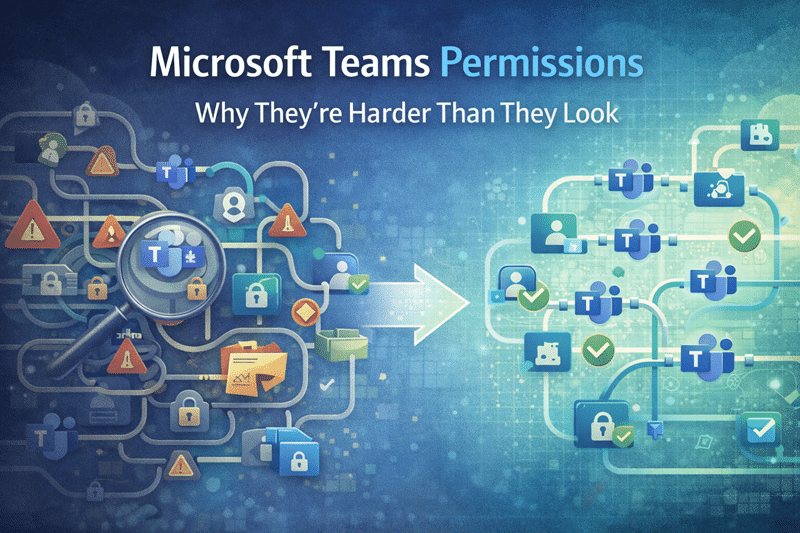
Without clear structure, permissions, and ownership, integrations can amplify confusion instead of efficiency. Conversely, when organizations align SharePoint, Teams, and Power Platform intentionally, they create a foundation that scales—and supports future capabilities like AI.
This is where SharePoint Strategy & Roadmapping becomes essential.
SharePoint Integration Matters Even More in the Age of AI
Finally, Microsoft Copilot raises the stakes for integration.
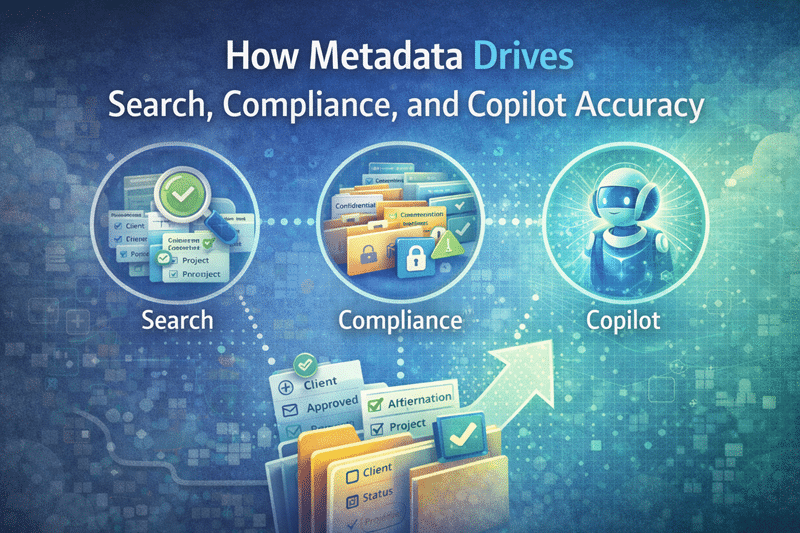
Copilot pulls content from SharePoint, Teams, and connected Microsoft 365 services. If those systems aren’t aligned, AI results become noisy, inconsistent, or risky. When they are aligned, Copilot delivers faster, more trusted insights.
That’s why modern integration must also consider Copilot Readiness for SharePoint.
The Bottom Line
Ultimately, SharePoint is not just another Microsoft 365 tool—it’s the platform that connects everything.
When organizations design SharePoint integration intentionally, they:
-
Improve document management and collaboration
-
Strengthen communication and intranet experiences
-
Enable scalable automation and custom solutions
-
Prepare the environment for AI and future growth
Together, SharePoint and Microsoft 365 form a unified ecosystem that simplifies work, improves collaboration, and drives lasting productivity—when the foundation is designed correctly.