Skip to content

Month: September 2026

Two professionals reviewing a SharePoint intranet on a wall-mounted display in a modern office.

SharePoint Intranet Examples: 6 Designs and What Lasts

One of these six SharePoint intranet designs has 21 links to outside systems on its home page, and it is the plainest of the group. It is also the one built the way long-lived intranets are built. Here is what to look for in each example, and what to copy.
Read More
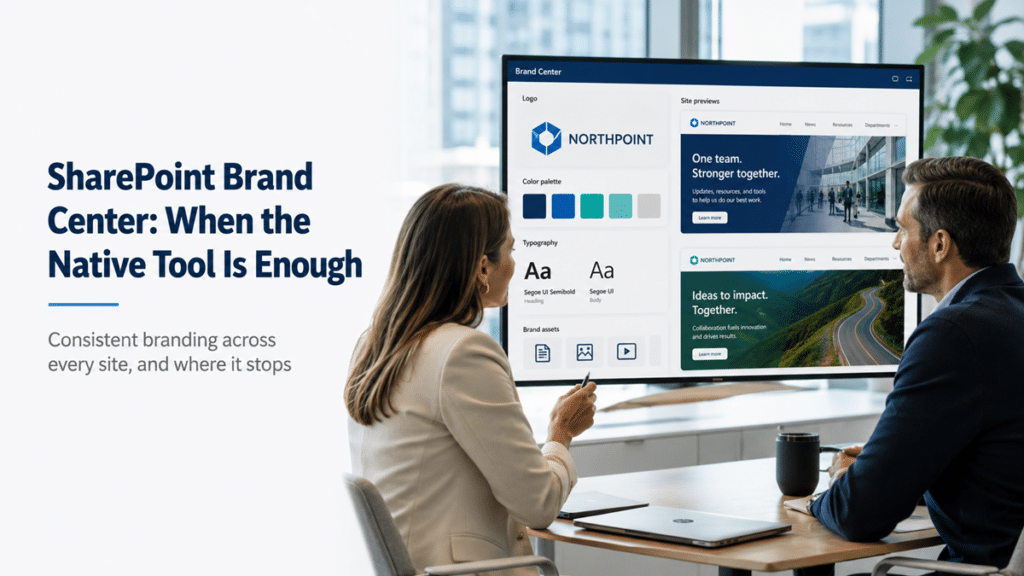
A brand manager and IT lead review SharePoint Brand Center settings with approved colors, typography, logo assets, and branded intranet previews.

SharePoint Brand Center: When the Native Tool Is Enough

Every site owner picks their own colors, and your intranet ends up looking like ten different companies. SharePoint Brand Center is the native fix: one place to set your organization's fonts and colors and apply them across every site without custom code. Here is what it does, and where it stops.
Read More
An IT leader and procurement colleague review a monitor showing Microsoft AI products and pricing models in a modern office.

Microsoft Copilot Licensing: Which AI You Actually Need

There are now at least five Microsoft AI products with "Copilot" in or near the name, priced four different ways, and half of what you might buy is already included in something you own. Here is the whole stack in plain terms: what each does, what it costs, and who needs it.
Read More
An IT leader reviews a 2026–2027 timeline of upcoming SharePoint and Microsoft 365 retirement and support deadlines.

SharePoint Retirements 2026-2027: The Complete Guide

Several SharePoint and Microsoft 365 retirements have already hit in 2026, most of them quietly, and more land through 2027. External sharing links breaking, legacy customizations dying, on-prem servers going out of support. Here is every deadline in one place, with what changes and what to do before each one reaches your tenant.
Read More
An IT leader and finance colleague review a Microsoft 365 renewal quote showing higher costs and a Copilot line item.

Microsoft 365 Price Increase: You’re Paying for AI Now

On July 1, Microsoft raised Microsoft 365 prices by as much as 43 percent and folded Copilot Chat into every base plan. The line item you used to weigh, AI or no AI, is gone. You are paying for it now. The real question is whether your SharePoint content can make it worth the money.
Read More
An IT director and security lead review an Agent 365 inventory showing AI agents with owners, identities, and governance status.

Microsoft Agent 365: Govern AI Agents Before They Sprawl

By the end of this year, your tenant will have AI agents in it whether you planned for them or not. Some built in Teams, some in Copilot Studio, some dropped in by a vendor. Microsoft Agent 365 is the control plane that makes them governable, if you set the rules first.
Read More
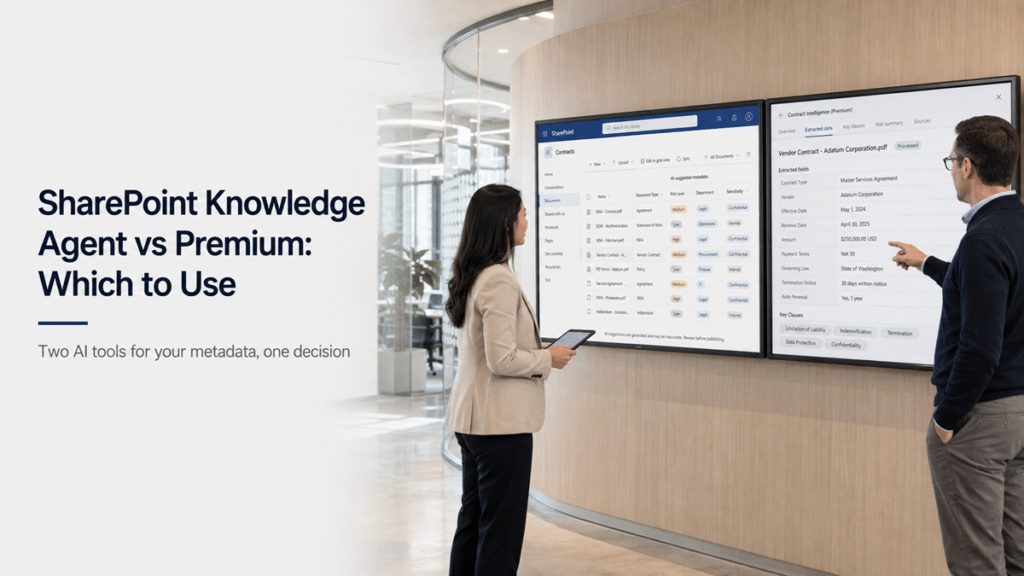
A content manager and IT leader compare AI-suggested SharePoint metadata with structured contract extraction on two side-by-side screens.

SharePoint Knowledge Agent vs Premium: Which to Use

Microsoft now gives you two different AI tools to tag SharePoint metadata, and they overlap enough to be confusing. The Knowledge Agent comes with your Copilot license. SharePoint Premium document AI is a separate tier. They solve different problems, and picking the wrong one wastes money or effort. Here is how to tell them apart.
Read More
IT administrator and security lead reviewing restored SharePoint external guest access after an Access Denied issue following the move to Entra B2B.

SharePoint One-Time Passcode Retirement: Act Before October

Sometime in October, a vendor clicks a SharePoint link they have used for months and gets Access Denied. No warning to them, none to you. That is the SharePoint One-Time Passcode retirement landing, and if you share files externally, some of your links are on the list. Here is what breaks and what to do.
Read More
A corporate communications lead and intranet manager review SharePoint campaign analytics showing news post views and engagement.

Campaigns in SharePoint: Are Your News Posts Landing?

Your comms team pushes out a week of related news posts for a big rollout, and someone asks: did it work? SharePoint could tell you page views, not whether the campaign landed. Campaigns in SharePoint changes that, for the teams licensed to use it.
Read More
A Power Platform administrator and IT governance lead review apps being moved from the Default environment into a Managed environment.

Power Platform Default Environment: Fix the Governance Gap

Every time someone customizes a SharePoint list form, Power Apps quietly drops an app into the default environment - the one space in your tenant with no real governance. Multiply that by every maker and every quick flow, and the default environment becomes your biggest ungoverned surface. Here is how to take it back.
Read More