Microsoft 365 Updates That Improve Document Management, Automation, and Governance
Microsoft continues to enhance SharePoint and Microsoft 365 with features that help organizations manage content more effectively, automate processes, and strengthen governance. In this SharePoint Concierge webinar, the dataBridge team explored several updates that support better document structure, improved compliance, and more engaging page design.
Here’s a recap of the key features—and how they deliver real business value when implemented correctly. This is one of the many areas where our SharePoint Consulting Services help organizations move from features to strategy.
Modern Document Sets Create Structure and Consistency
Modern Document Sets provide a smarter way to manage groups of related documents while maintaining consistency across metadata, security, and views.
By using Modern Document Sets, organizations can drive common metadata inheritance, pre-stage documents for repeatable business activities, and tailor custom views based on focus area or role. Because permissions apply at the set level, teams can also secure related content in a more manageable and scalable way.
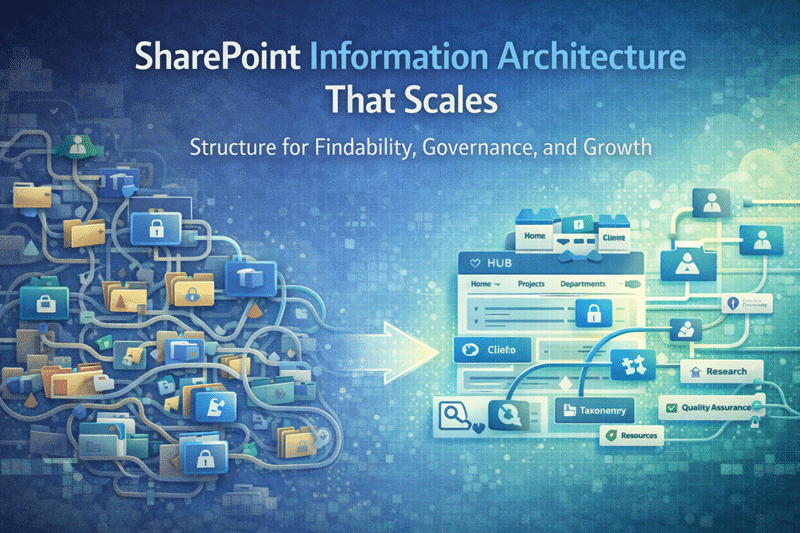
These capabilities are especially valuable in regulated or content-heavy environments. That’s why Modern Document Sets play a foundational role in SharePoint document management and information architecture, where structure and governance must support both daily work and long-term growth.
New List Form Designer Simplifies Data Collection
The new List Form Designer modernizes how organizations collect and manage structured data in SharePoint and Microsoft Lists.
With this updated experience, users can quickly design clean, modern forms without custom code. Once published, forms can be shared via a link with anyone in the organization, making it easier to standardize data entry and eliminate manual processes like email-based requests or spreadsheets.
When paired with custom SharePoint solutions and automation, modern list forms help teams move faster while improving data quality, consistency, and adoption across departments.
Intelligent Document Processing Uses AI to Organize Content
Intelligent Document Processing brings artificial intelligence and advanced machine learning directly into Microsoft 365 content management.
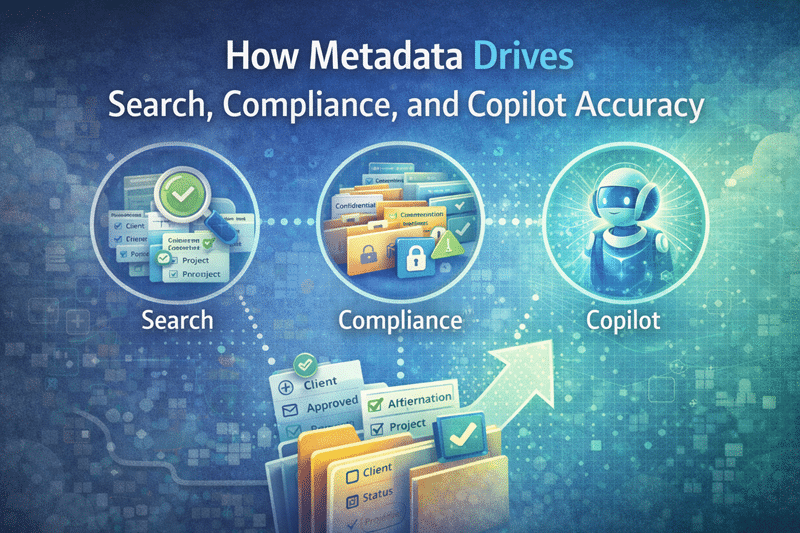
Instead of relying entirely on manual tagging, Microsoft 365 can now automatically identify, classify, and organize documents across your tenant. This improves search accuracy, strengthens compliance, and reduces the time users spend managing content.
More importantly, intelligent processing supports AI and Copilot readiness for SharePoint by ensuring documents are structured, labeled, and governed in a way that allows AI tools to deliver meaningful insights—rather than surface noise.
Compliance Center Audits Improve Visibility and Accountability
Microsoft 365’s Compliance Center Audit Logs provide essential insight into user and administrator activity across the tenant.
Whether you need to confirm if a document was deleted, permissions were changed, or a password was reset, audit logs allow you to search actions related to email, groups, documents, directory services, and more. This visibility is critical for investigations, security reviews, and regulatory compliance.
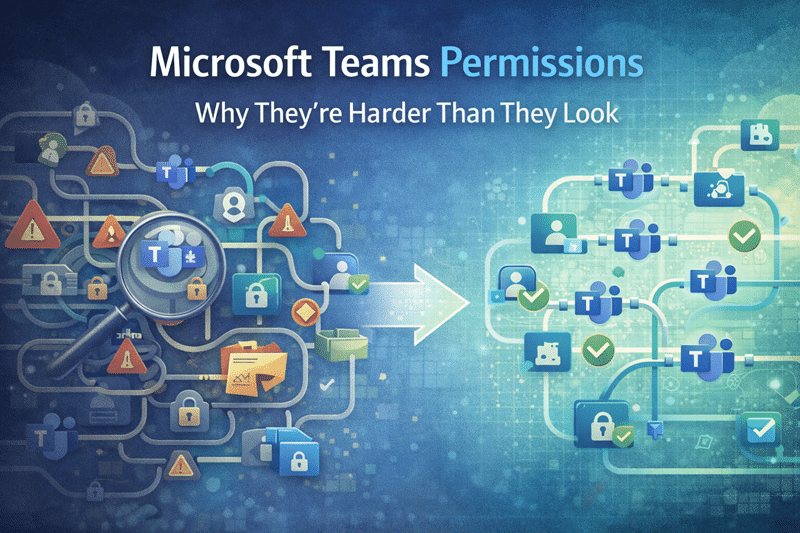
Strong audit capabilities are a core component of effective SharePoint security and Compliance, helping organizations maintain trust, reduce risk, and respond quickly when issues arise.
New Section Backgrounds Enhance SharePoint Page Design
SharePoint now allows content authors to customize section backgrounds on modern pages and news posts.
By configuring custom images, gradient colors, overlays, and opacity, teams can create more visually engaging pages while maintaining consistency with brand standards. This update provides greater design flexibility without introducing custom code or increasing technical debt.
When combined with thoughtful layout and navigation, these enhancements elevate the overall experience of SharePoint intranet design and branding, leading to higher engagement and clearer communication.
Turning Feature Updates Into Long-Term Value
Each of these Microsoft 365 updates delivers value on its own. However, the greatest impact comes from implementing them with intention—aligning structure, automation, governance, and design to support how the business actually works.
At dataBridge, we help organizations evaluate new features, integrate them into a cohesive strategy, and implement them the right way—so SharePoint and Microsoft 365 remain scalable, secure, and ready for what’s next.
That’s the difference of doing it The dataBridge Way.
Related Resources & Posts
The Complete Guide to Building a Modern SharePoint Intranet
Industry-Specific SharePoint Intranet Solutions
Healthcare SharePoint Intranet Services
Financial Services SharePoint Intranet Services
Manufacturing SharePoint Intranet Services
Professional Services SharePoint Intranet Services
Education SharePoint Intranet Services