Microsoft 365 Updates That Elevate Content Creation, Automation, and Trust
Microsoft continues to expand how organizations create content, automate work, and manage documents securely across SharePoint and Microsoft 365. In this SharePoint Concierge webinar, the dataBridge team explored several updates that demonstrate how AI, automation, and built-in governance are reshaping everyday work.
Below is a recap of the key features—and how they work best when implemented with the right strategy.
Copilot in SharePoint Accelerates Content Creation—Safely
Copilot in SharePoint combines the power of large language models (LLMs), Microsoft Graph data, and Microsoft’s enterprise security framework to help users create high-quality content faster.
With a simple prompt, Copilot can generate SharePoint pages or entire sites complete with content hierarchy, layout suggestions, and sample copy tailored to user needs. Instead of starting from a blank page, teams begin with a structured foundation that aligns with business context—while still respecting existing permissions, security boundaries, and compliance requirements.
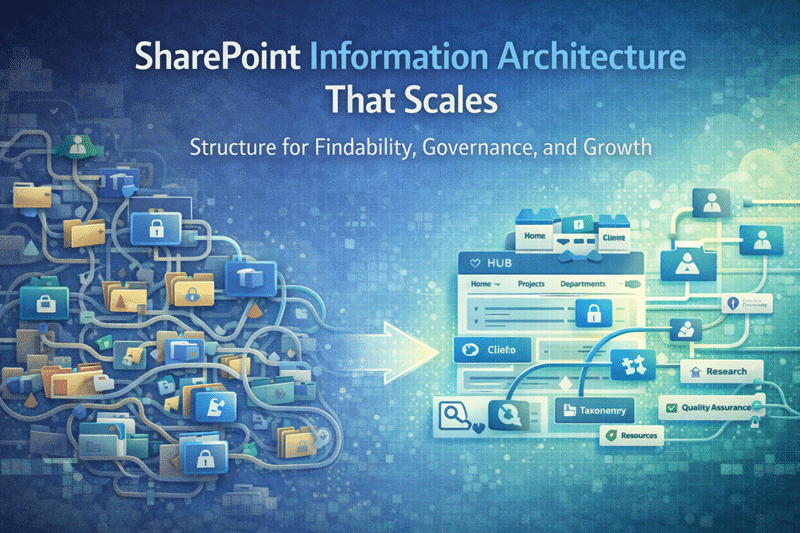
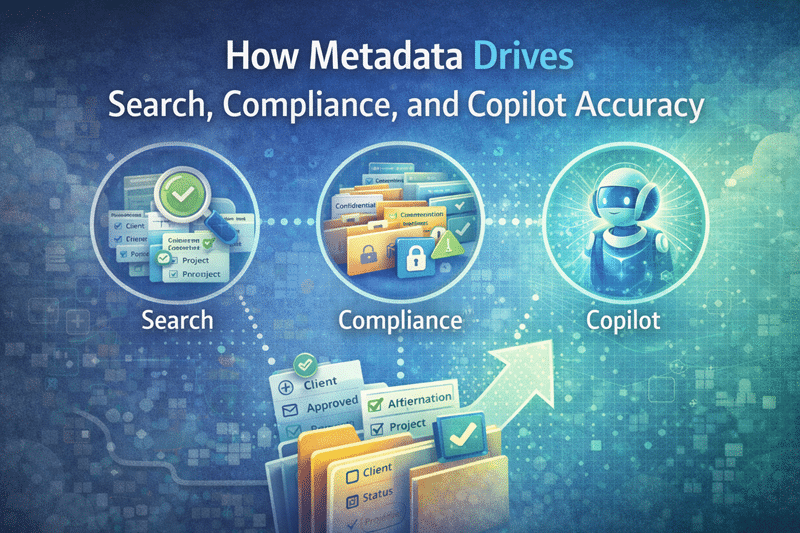
When Copilot is paired with a strong SharePoint foundation, it becomes a force multiplier. That’s why Copilot works best when organizations first invest in AI and Copilot readiness for SharePoint, ensuring information architecture, metadata, and governance are designed to support meaningful AI outcomes—not chaos.
Adaptive Cards Enable Faster Approvals and Better Engagement
Custom forms and approvals using Adaptive Cards transform how users interact with workflows in Microsoft 365.
Whether someone is approving an expense report, responding to a survey, or updating a sales opportunity, Adaptive Cards—delivered as actionable messages—allow users to complete tasks directly within Outlook or Microsoft Teams. Instead of jumping between systems, users take action in the flow of work, which improves response times and overall productivity.
When embedded into notifications and workflows, Adaptive Cards become a powerful extension of custom SharePoint solutions and automation, helping organizations reduce friction, improve adoption, and deliver better user experiences without custom development overhead.
SharePoint eSignature Adds Security and Confidence to Document Processes
SharePoint eSignature simplifies how organizations collect signatures while maintaining security and compliance.
With this capability, users can quickly send documents for signature to recipients both inside and outside the organization. Each signed document includes a built-in digital audit trail, making it easy to verify authenticity and track document history for compliance or legal needs.
As organizations modernize document workflows, eSignature becomes a natural extension of SharePoint governance and security, supporting controlled access, auditability, and trust across business processes. For organizations using pay-as-you-go billing, SharePoint eSignature is also available to try at no cost through June 2024.
Turning AI and Automation Into Sustainable Value
Each of these updates—Copilot in SharePoint, Adaptive Cards, and SharePoint eSignature—offers meaningful value on its own. However, the real advantage comes from implementing them together with intention.
AI requires structure. Automation requires clarity. Governance requires consistency.
At dataBridge, we help organizations align these capabilities with real business needs by designing scalable SharePoint architectures, secure automation frameworks, and AI-ready environments that grow with the organization.
That’s how feature updates turn into long-term results—and that’s what it means to deliver solutions The dataBridge Way.
Related Posts