SharePoint & Microsoft 365 Knowledge Center
Expert Resources for Architecture, Governance, Migrations, and AI Readiness
Organizations rely on Microsoft 365 to support collaboration, knowledge sharing, and operational communication. Yet many environments evolve without a clear architecture or governance model. Over time, that lack of structure leads to familiar problems: information becomes difficult to find, permissions grow inconsistent, and collaboration tools expand without clear ownership.
Knowledge Center Links
SharePoint Governance Resources
SharePoint Migration Resources
- SharePoint Migration Readiness Assessment
- The Complete Guide to SharePoint Online Migrations
- Post-Migration Checklist
SharePoint Architecture Resources
- Copilot-Ready SharePoint Information Architecture
- Enterprise SharePoint Taxonomy & Metadata Strategy
- Hub Site & Enterprise Intranet Architecture Framework
- SharePoint Site Architecture for Regulated Industries
SharePoint Adoption Resources
- SharePoint Adoption & Change Management
- SharePoint Intranet Adoption Strategy & Launch Framework
- SharePoint Intranet Portal Design
Microsoft Teams Resources
- Teams Readiness Assessment
- Teams Readiness vs. Teams Readiness for SharePoint
- Teams Readiness Assessment for SharePoint
Power Platform Resources
- Forms & Workflow Readiness Assessment
- Power Automate Best Practices & Use Cases
- Power Apps Strategy & Architecture
- Power Platform Governance & Security
- Power Platform Adoption & Change Management
Copilot & AI Resources
Frequently Asked Questions
SharePoint & Microsoft 365 Knowledge Center
The dataBridge Knowledge Center exists to help organizations address these challenges.
Here you will find practical guidance on designing structured SharePoint and Microsoft 365 environments that support governance, usability, and long-term scalability. These resources reflect the same architectural principles we apply during our consulting engagements, including information architecture design, governance frameworks, migration strategy, and collaboration platform alignment.
Whether your organization is modernizing an intranet, planning a migration, or preparing for AI-driven tools like Copilot, the resources below provide a starting point for building a more sustainable Microsoft 365 environment.
Featured Guides: Start Here
If you’re not sure where to begin, start with these foundational resources. They reflect how dataBridge approaches Microsoft 365 success: structure first, governance built in, and modernization planned for long-term sustainability.
These guides are also our most referenced authority assets—because they cover the decisions that shape everything else.
Featured Guides
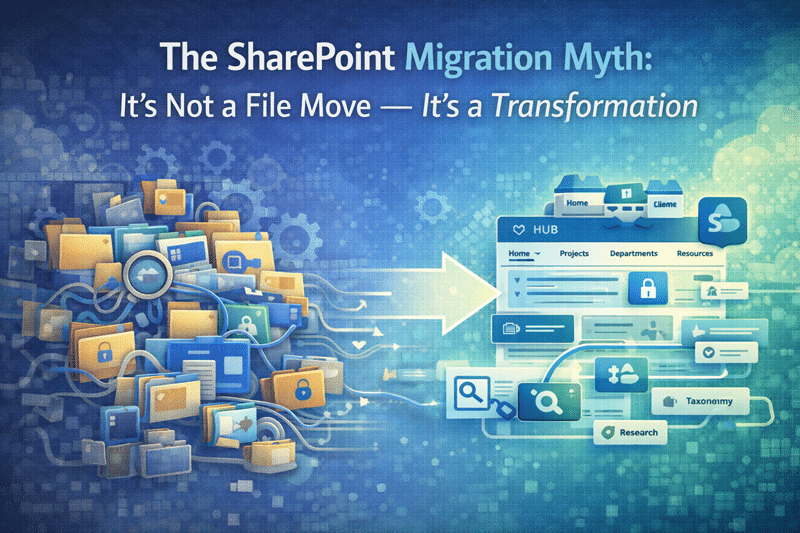
Complete Guide to SharePoint Online Migrations
A practical guide to planning migrations as a transformation—not a file move—so your new SharePoint environment launches with improved structure, cleaner content, and better adoption.SharePoint Governance Framework
A clear governance model for ownership, permissions, lifecycle management, and sustainable collaboration—so the platform stays organized after launch.SharePoint Information Architecture & Metadata Strategy
Guidance on designing taxonomy, metadata, and content structure so information is easier to find, easier to govern, and more reliable for search and reuse.Copilot Readiness for SharePoint
A readiness guide focused on the foundation Copilot depends on—permission clarity, metadata quality, governance alignment, and content trust.
If you want help applying these principles to your environment, explore our SharePoint Consulting Services.
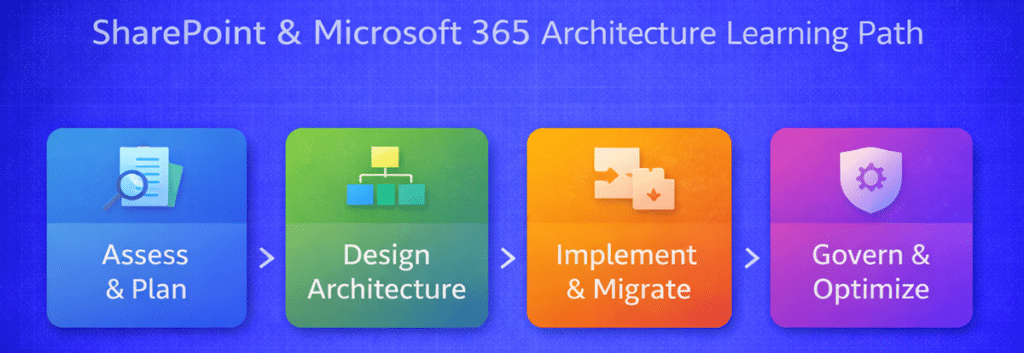
SharePoint & Microsoft 365 Architecture Learning Path
Many organizations try to solve Microsoft 365 challenges one problem at a time—governance, migrations, Teams sprawl, Copilot readiness, or intranet design.
However, successful environments are not built through isolated decisions. They emerge from intentional architecture.
To help organizations understand how these disciplines connect, we organize our knowledge resources into a practical learning path. Each stage builds on the one before it.
Stage 1 – Assess & Plan
Every successful Microsoft 365 environment begins with understanding the current state, stakeholder needs, and business objectives.
Recommended starting resources:
Stage 2 – Design Architecture
Before implementing solutions, organizations must establish structure for information, permissions, and collaboration.
Key resources:
- SharePoint Governance Framework
- SharePoint Information Architecture & Metadata Strategy
- SharePoint Architecture for Regulated Industries
Stage 3 – Implement & Migrate
With the architecture defined, organizations can modernize their environment while improving structure and usability.
Recommended resources:
- Complete Guide to SharePoint Online Migrations
- SharePoint Migration Strategy
- Designing a Modern SharePoint Intranet
Stage 4 – Govern & Optimize
Long-term success depends on governance, lifecycle management, and adoption.
Key resources:
The resources above reflect the consulting methodology we use with organizations through The dataBridge Way™, where structure, governance, and adoption planning guide every successful Microsoft 365 deployment.
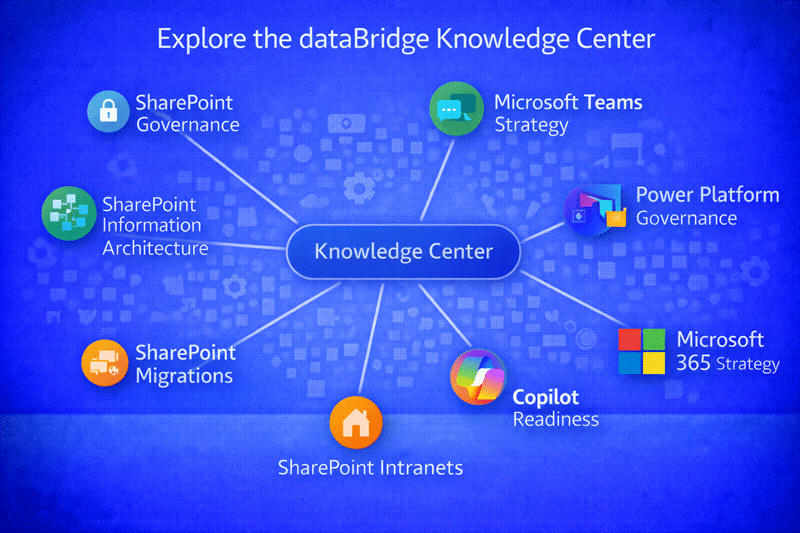
Explore Our Microsoft 365 Knowledge Areas
Our resource library is organized around the major architectural disciplines that influence the long-term success of a Microsoft 365 environment. Each topic area explores practical strategies, governance considerations, and real-world implementation insights.
SharePoint Governance Resources
Governance is the foundation that keeps collaboration platforms sustainable over time. Without clear policies for ownership, permissions, and lifecycle management, even well-designed environments can gradually become difficult to manage.
Our governance resources explore how organizations establish structured frameworks that support responsible collaboration while maintaining flexibility for teams.
Topics include:
- SharePoint Governance & Architecture
- The Complete Guide to SharePoint Governance
- SharePoint Governance Maturity Model Guide
Explore the full SharePoint Governance Resources library and learn more about building a sustainable governance model through SharePoint Governance consulting.
SharePoint Migration Resources
Many organizations approach migration as a technical task: move files, recreate permissions, and go live.
In practice, migration represents one of the best opportunities to improve an environment’s structure. When organizations take time to review content, modernize architecture, and establish governance practices during migration, the platform becomes significantly easier to manage afterward.
Our migration resources cover topics such as:
- SharePoint Migration Readiness Assessment
- The Complete Guide to SharePoint Online Migrations
- SharePoint Post-Migration Checklist
Explore our SharePoint Migration Resources or learn more about our SharePoint Migrations consulting approach.
SharePoint Architecture Resources
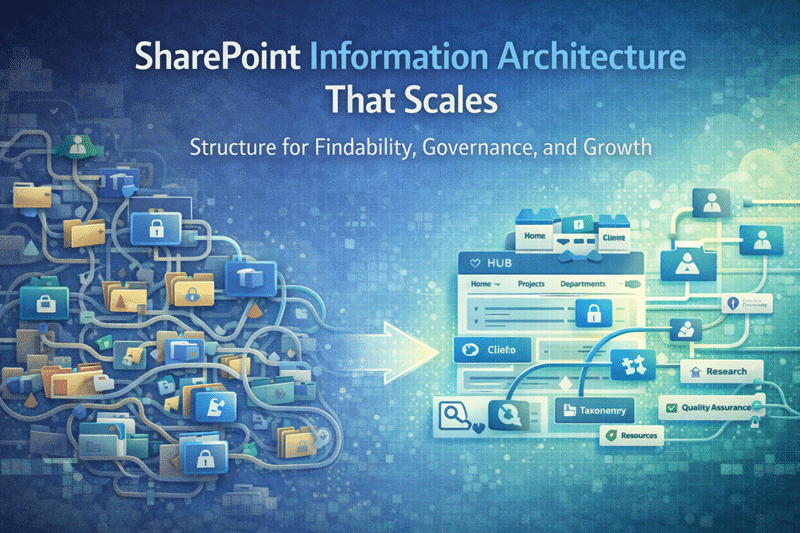
Information architecture determines whether knowledge can be discovered and trusted. Without a structured taxonomy, metadata framework, and navigation strategy, users often struggle to locate important information even when it exists within the platform.
These resources focus on designing architecture that improves search, reduces duplication, and supports long-term governance.
Topics include:
- Copilot-Ready SharePoint Information Architecture
- Enterprise SharePoint Taxonomy & Metadata Strategy
- SharePoint Hub Site & Enterprise Intranet Architecture Framework
- SharePoint Site Architecture for Regulated Industries
Explore the SharePoint Architecture Resources library or learn more about SharePoint Information Architecture consulting.
Microsoft Teams Resources
Microsoft Teams has become the primary collaboration workspace for many organizations. However, rapid adoption often leads to workspace sprawl, inconsistent permissions, and unclear ownership.
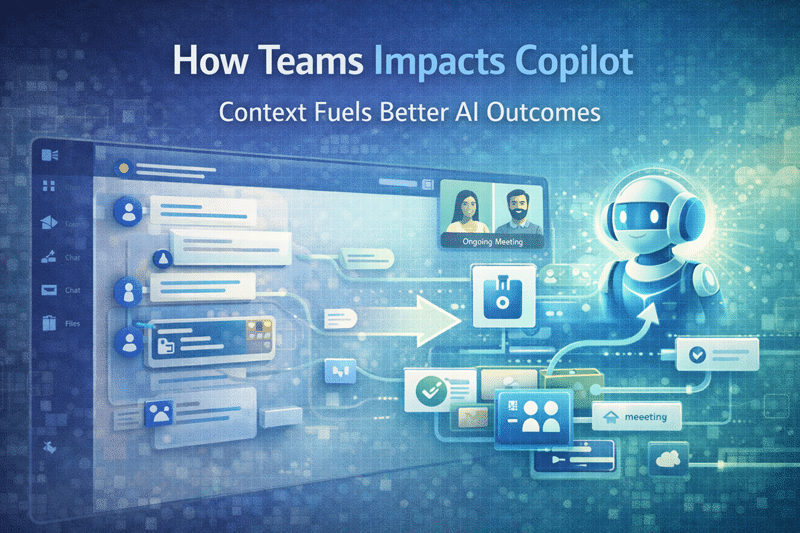
Because every Team is backed by a SharePoint site, Teams governance and SharePoint architecture must work together.
Our Teams resources explore topics such as:
- Microsoft Teams Readiness Assessment
- Microsoft Teams Readiness vs. Teams Readiness for SharePoint
- Microsoft Teams Readiness Assessment for SharePoint
Explore the Microsoft Teams Resources library and learn more about Microsoft Teams Strategy consulting.
Power Platform Resources
The Microsoft Power Platform allows organizations to build applications, workflows, and analytics solutions using low-code tools. While this flexibility is powerful, it also introduces governance considerations.
Without oversight, organizations may experience application sprawl or inconsistent development practices.
These resources explore topics including:
- Forms & Workflow Readiness Assessment
- Power Automate Best Practices & Use Cases
- Power Apps Strategy & Architecture
- Power Platform Governance & Security
- Power Platform Adoption & Change Management
Explore the Power Platform Resources library and learn more about Power Platform Strategy consulting.
Copilot & AI Resources
Artificial intelligence is changing how organizations interact with their information environments. Microsoft Copilot has the potential to transform knowledge discovery and productivity, but its effectiveness depends heavily on the underlying architecture of the Microsoft 365 environment.
When information architecture, permissions, and governance practices are inconsistent, AI tools may surface incomplete or unreliable information.
Our Copilot and AI resources explore topics such as:
Explore the Copilot & AI Resources library or learn more about Copilot Readiness consulting.
Frequently Asked Questions
Organizations exploring SharePoint and Microsoft 365 consulting often encounter similar questions about governance, architecture, migration strategy, and collaboration platform alignment.
Our FAQ library provides concise answers to common questions about designing and improving Microsoft 365 environments.
Explore the full SharePoint & Microsoft 365 FAQ library.
- SharePoint & Microsoft 365 FAQ’s
- Why SharePoint Fails
- SharePoint Migration FAQ’s
- Copilot Readiness FAQ’s
- Microsoft Teams FAQ’s
- Microsoft Power Platform FAQ’s
- Power BI Data Analytics & Reporting FAQ’s
Latest Insights from dataBridge
Our consulting engagements regularly surface patterns that affect organizations across industries. Many of the resources published in this knowledge center originate from real-world experiences helping organizations modernize their Microsoft 365 environments.
Through articles, guides, and architecture insights, we share practical lessons about designing collaboration platforms that remain sustainable as organizations grow.
Recent topics include:
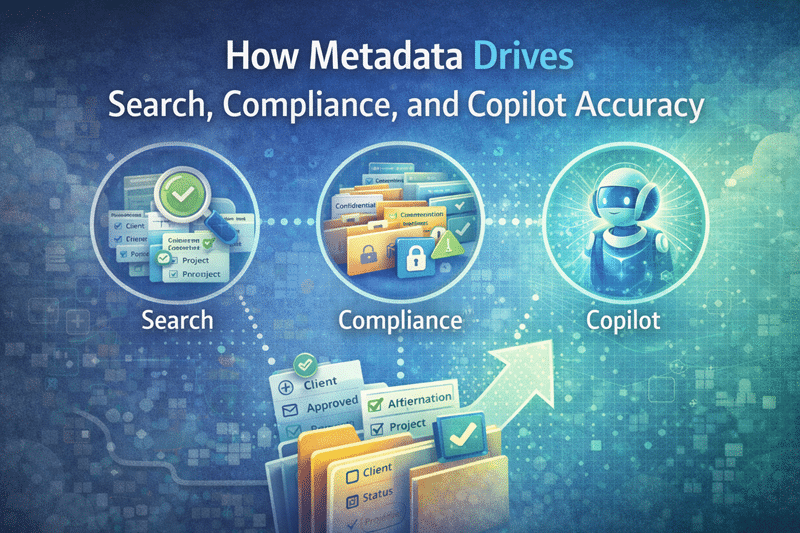
- Improving SharePoint search with metadata architecture
- Avoiding common migration mistakes
- Strengthening governance in Microsoft Teams environments
- Preparing SharePoint environments for Copilot and AI-driven workflows
These insights are designed to help organizations understand not just how Microsoft 365 works, but how to structure it for long-term success.
Why dataBridge Publishes These Resources
Many organizations approach Microsoft 365 implementation as a technology project. Over time, they discover that the real challenge is structural: defining how information should be organized, governed, and maintained.
Through years of consulting engagements, the dataBridge team has seen how architecture decisions influence adoption, governance, and long-term platform sustainability.
The resources in this knowledge center reflect those experiences. They are intended to help organizations improve their environments by focusing on the architectural principles that make collaboration platforms successful.
Start the Conversation
If your organization is planning a SharePoint migration, modernizing an intranet, strengthening governance, or preparing Microsoft 365 for AI-driven workflows, structured consulting can help clarify the path forward.
Learn more about our SharePoint Consulting Services or start a conversation with the dataBridge team to discuss your environment and goals.

Still Have Questions?
If you didn’t find the answer you’re looking for, our SharePoint consulting team is here to help. Whether you need guidance on governance, migrations, intranet strategy, or Microsoft 365 optimization, we’ll provide clear, practical direction tailored to your environment.
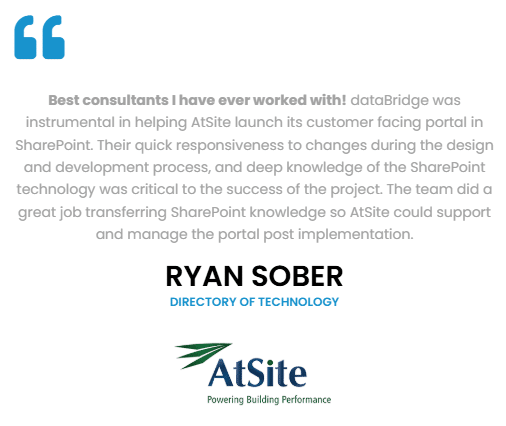
What our clients say
dataBridge Blog
How Teams Impacts Copilot
SharePoint Information Architecture That Scales
How Metadata Drives Search Compliance and Copilot Accuracy in SharePoint
Microsoft Teams Permissions
Is Your SharePoint Environment Ready for Copilot?
THE SEARCH IS OVER
We're a Microsoft SharePoint partner - everything you need IS right here
For more information about how dataBridge can transform your business with improved corporate communication, collaboration, forms, workflows, and document management, contact us today.