Practical SharePoint Improvements That Drive User Adoption Faster
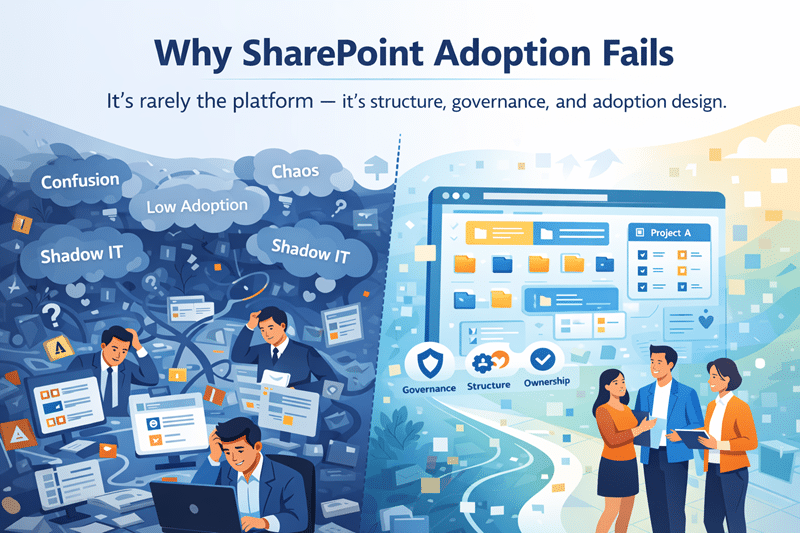
User adoption doesn’t fail because SharePoint lacks features.
It fails when everyday tasks feel harder than they should.
In this SharePoint Concierge webinar, the dataBridge team shared 12 quick, practical improvements that make SharePoint easier to use. These updates help content owners and business users work faster, with less friction.
When applied together, these changes significantly improve adoption. They also reinforce the value of professional SharePoint Consulting Services that focus on real user behavior.
Favorite Lists for Faster Access
Users no longer need to hunt for important lists.
By selecting the star icon on a Microsoft List, users can mark it as a favorite. That list then appears under Favorites in the app launcher.
This small change removes friction and saves time. It also supports better adoption when paired with intentional SharePoint user experience design.
Notify Users When Files Are Uploaded
Content only matters when people know it exists.
SharePoint now allows users to notify others during file uploads. This out-of-the-box feature alerts people who may need to review or act.
As a result, teams reduce follow-ups and missed updates. This feature works best when aligned with structured SharePoint document management strategies.
Add Content Types Using the Modern Experience
Content types bring order to SharePoint.
With the modern interface, users can easily add existing content types to lists. There is no need for legacy views or complex steps.
This improves consistency and metadata quality. It also supports scalable information architecture, a core focus of dataBridge SharePoint Consulting Services.
Edit Modern List and Library Views with Ease
Modern views are flexible and user-friendly.
Users can resize, reorder, show, or hide columns using drag and drop. They can then save those changes as a new view.
This empowers users without breaking governance. It also improves usability across departments and roles.
Create Blogs with Modern SharePoint Pages
SharePoint blogging is making a comeback.
Modern news pages and templates now support blog-style content directly within sites. There is no longer a need for a separate blog site template.
This approach improves engagement while keeping content centralized. It aligns well with modern SharePoint intranet design and adoption goals.
Use Comments in Microsoft Lists for Collaboration
Lists work better when conversations stay in context.
Users can now add, reply to, or delete comments in Microsoft Lists. They can also tag colleagues using the @ symbol.
This reduces emails and keeps feedback tied to the data. It’s a simple win for collaboration-focused SharePoint environments.
Improvements to SharePoint Page Authoring
Microsoft continues to refine page authoring.
Recent updates include multilingual proofing support and better control over line spacing in the Text web part. External image handling in the Hero web part has also improved.
These changes help content owners create cleaner, more professional pages. Strong authoring tools are essential for long-term SharePoint adoption.
Create Custom Themes for Microsoft 365 Groups
Visual clarity matters more than most teams realize.
Organizations can now create custom themes for Microsoft 365 Groups. Admins can assign themes to specific groups for visual distinction.
This helps users recognize sites quickly. It also supports branding and usability across SharePoint and Teams.
Change a Site Name Without Changing the URL
Sometimes names need to change.
Site owners can now update a SharePoint site name without affecting the URL. No admin access is required.
This flexibility supports rebranding and organizational changes. It also prevents broken links and user confusion.
Change a Site Address When Needed
In other cases, the URL must change.
Admins can update a SharePoint site address using the SharePoint Admin Center. However, some apps and integrations may be affected.
That’s why planning matters. Site address changes should align with broader SharePoint governance and consulting guidance.
Change Your SharePoint Domain Name with Confidence
Microsoft now allows a one-time tenant root URL change.
This feature supports company name changes or correcting early tenant mistakes. However, the impact can be significant.
Organizations should evaluate dependencies before proceeding. This is where experienced SharePoint Consulting Services provide real value.
Small Changes Create Big Adoption Gains
None of these updates are complex.
However, together they remove friction, improve clarity, and support daily work. That’s what drives real user adoption.
At dataBridge, we help organizations apply these features intentionally. We focus on structure, usability, and governance from day one.
That’s how SharePoint becomes a platform people actually want to use.
That’s the difference of doing it The dataBridge Way.
Related Resources