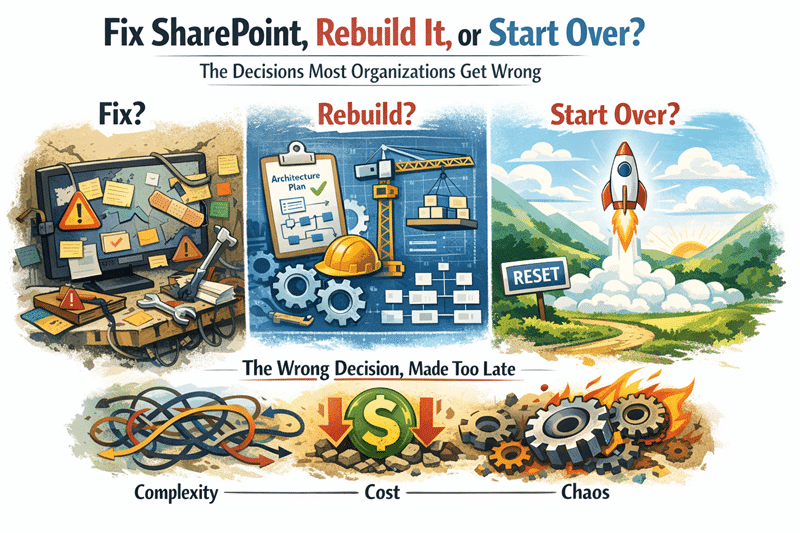
SharePoint Consulting Services help organizations move from features to strategy.
Use Copilot to compare up to 5 files
Dylan Skinner
With the M365 CoPilot license you can compare files from SharePoint and OneDrive. This can be useful in many scenarios such as during migrations, when duplicate files exist and you need to clean up, changes to SOPs where procedures may need to merge into one file, you may need a quick summary of many files to determine which one you need when looking for a policy for example. Whatever the case, this is a feature that can bring efficiency to your workday.
New! Features in MS List Forms, complex fields, conditional branching etc.
Dylan Skinner
Learn to collect data like a pro. We will explore conditional branching, a feature which allows you to show or hide questions based on previous answers, ensuring respondents only see questions relevant to them. We will highlight fields for locations, lookups and more…
New! Flexible SharePoint Page Layout Sections
Katie Assoian
Flexible layout sections allow content editors to build pages without the strict column structure. Web parts can be dynamically resized and moved to create more engaging and visually appealing content spaces. Unleash your creativity with this new feature.
New! SharePoint Pages Accessibility Assistant
Katie Assoian
We will review the new Accessibility assistant tool available for SharePoint pages. This tool helps content creators meet accessibility standards by providing checks and brief guidance to help ensure pages are inclusive and accessible to a broad audience.
New! Filter Search Results by Messages
Leona Lamont
There’s a new way to filter your search results. MS365 recently rolled out the vertical for messages by default. We will briefly cover how to enable and disable customizations in Search & Intelligence in the event you want to enable or disable a vertical.