Strengthening SharePoint Security & Automation with Modern Capabilities
Security, usability, and automation must work together in SharePoint.
When they don’t, adoption slows and risk increases.
In this SharePoint Concierge webinar, the dataBridge team explored modern features that protect content, simplify daily work, and modernize automation. These updates help organizations move forward confidently when supported by experienced SharePoint Consulting Services.
Protect Content with Sensitivity Labels
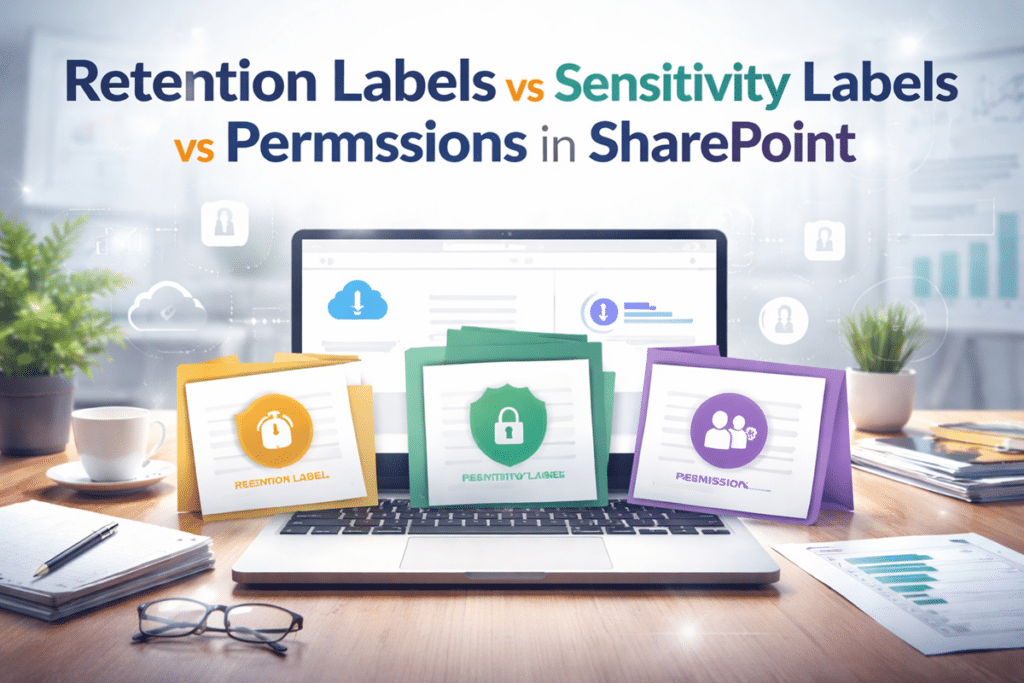
Sensitivity labels add a critical layer of protection to SharePoint and Microsoft 365.
When you create a sensitivity label, you define how content can be accessed, shared, or restricted. Labels apply to documents, emails, meetings, and invites.
Permissions can be enforced automatically based on the label. As a result, users don’t need to guess how to protect content.
This approach strengthens SharePoint governance and information protection, a common focus of dataBridge SharePoint Consulting Services. It also reduces risk without slowing productivity.
Open Non-Office Files in Desktop Apps and Sync Automatically
Not all work happens in Office files.
SharePoint and OneDrive now allow users to open non-Office files in desktop applications directly from the browser. Users can view and edit files locally.
Once saved, changes automatically sync back to SharePoint or OneDrive. There is no manual upload required.
This feature improves flexibility while preserving version history. It supports effective SharePoint document management across diverse file types.
Prepare for the Retirement of the Classic Stream Web Part
Video strategy requires attention right now.
Microsoft retired the Stream (Classic) web part on August 15, 2023. After that date, it is no longer supported.
Organizations must move videos to the new Stream experience. The updated Stream web part supports inline playback directly on SharePoint pages.
Users can now watch videos without leaving the page. This change improves engagement and aligns with modern SharePoint intranet design best practices.
Use Custom List Templates with Packaged Flows
Automation should save time, not create work.
SharePoint now supports custom list templates that include packaged Power Automate flows. These flows deploy automatically with the list.
This means teams no longer rebuild workflows repeatedly. Instead, they reuse proven solutions consistently.
This capability supports scalable SharePoint automation and workflow governance, especially when guided by SharePoint Consulting Services.
Turning Features into Secure, Scalable Solutions
Each feature delivers value on its own.
However, the real benefit comes from implementing them together.
Security needs structure.
Video needs modernization.
Automation needs consistency.
At dataBridge, our SharePoint Consulting Services help organizations connect these capabilities intentionally. We focus on usability, governance, and adoption from day one.
That’s how SharePoint becomes both secure and productive.
That’s the difference of delivering solutions The dataBridge Way.