Skip to content

Category: Copilot

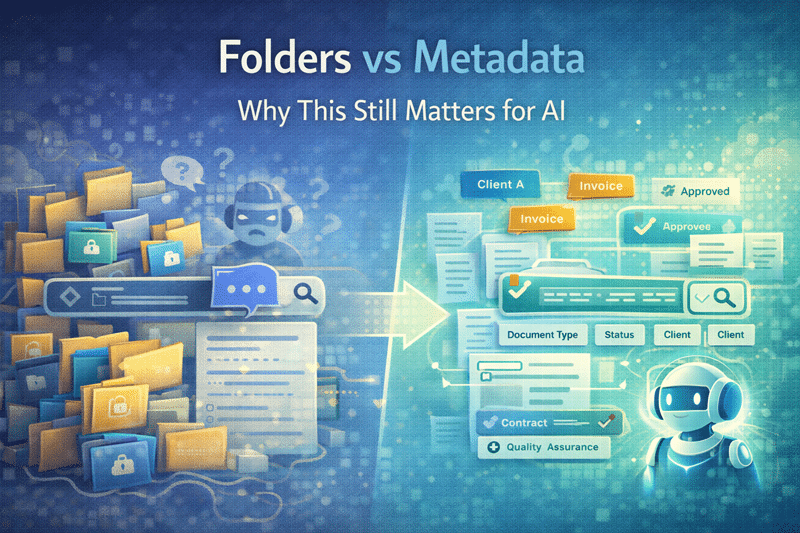
Folders VS Metadata: Why it still matters for AI

Folders vs Metadata: Why This Still Matters for AI

The folders vs metadata debate has existed since SharePoint’s earliest days. With AI tools like Microsoft Copilot now relying on content context, the outcome of this debate matters more than ever.
Read More
How Teams Impacts Copilot

How Teams Impacts Copilot

Teams Is a Major AI Signal When organizations think about Copilot, they focus on SharePoint. But Teams plays a much larger role than most realize.
Read More
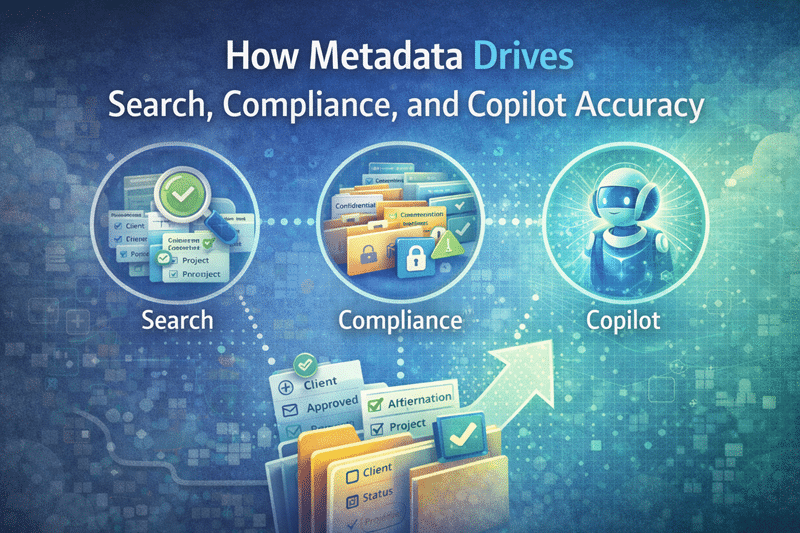
How Metadata Drives Search Compliance and Copilot Accuracy in SharePoint

How Metadata Drives Search Compliance and Copilot Accuracy in SharePoint

Folders tell you where something lives. Metadata tells you what it is. That distinction matters more than ever because modern SharePoint success depends on three things working together: strong search, reliable compliance, and accurate AI outcomes.
Read More
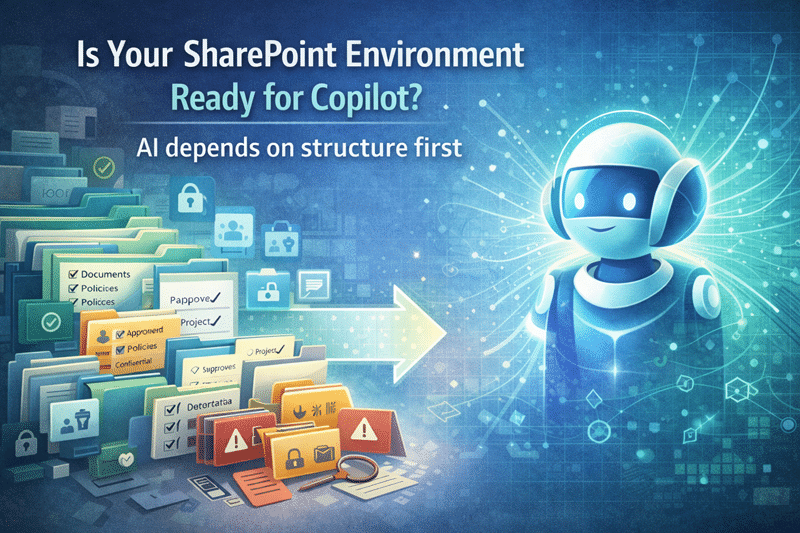
Is Your SharePoint Environment Ready for Copilot?

Is Your SharePoint Environment Ready for Copilot?

Is your SharePoint ready for Copilot? Learn how structure, permissions, and governance impact AI success.
Read More
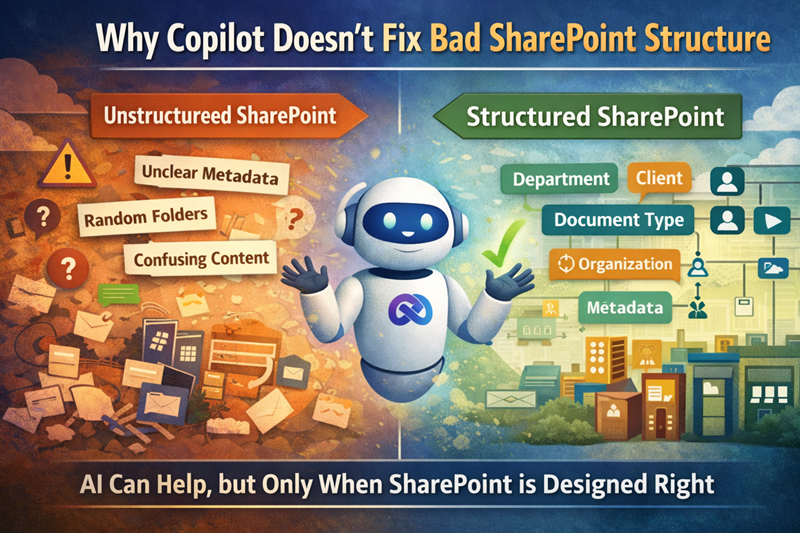
Copilot doesn't fix bad SharePoint structure

Copilot Doesn’t Fix Bad SharePoint Structure

Copilot won’t fix bad SharePoint structure. Learn why AI fails without clean content, permissions, and governance.
Read More
SharePoint Consultation, Development and Training

Smarter Content Better Governance Real Control in Microsoft 365

From archived content search to Content AI automation and advanced permissions reporting, this session focused on practical tools administrators and platform owners can use right now.
Read More
three powerful capabilities shaping the future of SharePoint and Microsoft 365: scalable hub architecture, organizational visibility, and AI-driven knowledge management

Smarter Structure – Clearer Context & AI-Driven Knowledge in Microsoft 365

three powerful capabilities shaping the future of SharePoint and Microsoft 365: scalable hub architecture, organizational visibility, and AI-driven knowledge management
Read More
-Site Limits for SharePoint Lists, Libraries, and Subsites -Use Sign Language View in Microsoft Teams -OneDrive: Updated Files On-Demand Settings on Windows -Custom List View inline editing (new formatting concepts in JSON)

Design Better Sites Secure Content and Prepare for AI in Microsoft 365

From visual branding and document protection to site lifecycle management and Copilot readiness, this session delivered practical guidance for SharePoint owners, administrators, and IT leaders.
Read More
Use Copilot to compare up to 5 files -New Features in MS List Forms, complex fields, conditional branching etc. -Flexible SharePoint Page Layout Sections -SharePoint Pages Accessibility Assistant Filter Search Results by Messages

Use Copilot to compare up to 5 files

-Use Copilot to compare up to 5 files -New Features in MS List Forms, complex fields, conditional branching etc. -Flexible SharePoint Page Layout Sections -SharePoint Pages Accessibility Assistant -Filter Search Results by Messages
Read More
-New! How to prevent all editors from making changes to new modern list forms -New! MS Lists Embed iFrame feature -New! Learn how to utilize Copilot Features to summarize and ask questions about documents -SharePoint Site Lifecycle Management -Learning about Retention Policies and Labels to meet regulatory and governance needs

Using Copilot Lists and Governance Features to Improve SharePoint

-New! How to prevent all editors from making changes to new modern list forms -New! MS Lists Embed iFrame feature -New! Learn how to utilize Copilot Features to summarize and ask questions about documents -SharePoint Site Lifecycle Management -Learning about Retention Policies and Labels to meet regulatory and governance needs
Read More