
Skip to content

Author: Michael Fuchs

Business leaders reviewing Copilot Chat, Microsoft 365 Copilot, and SharePoint agents in a strategy meeting about what uses tenant data

Copilot Chat vs Microsoft 365 Copilot vs SharePoint Agents

Not every Copilot experience uses Microsoft 365 content the same way. This guide explains how Copilot Chat, Microsoft 365 Copilot, and SharePoint agents differ so rollout, governance, and expectations stay aligned.

Read More
Enterprise professionals reviewing SharePoint Advanced Management and Copilot governance controls to reduce oversharing and access risk

SharePoint Advanced Management for Copilot

SharePoint Advanced Management helps organizations reduce oversharing, improve governance visibility, and support safer Copilot rollout decisions across SharePoint and Microsoft 365.
Read More
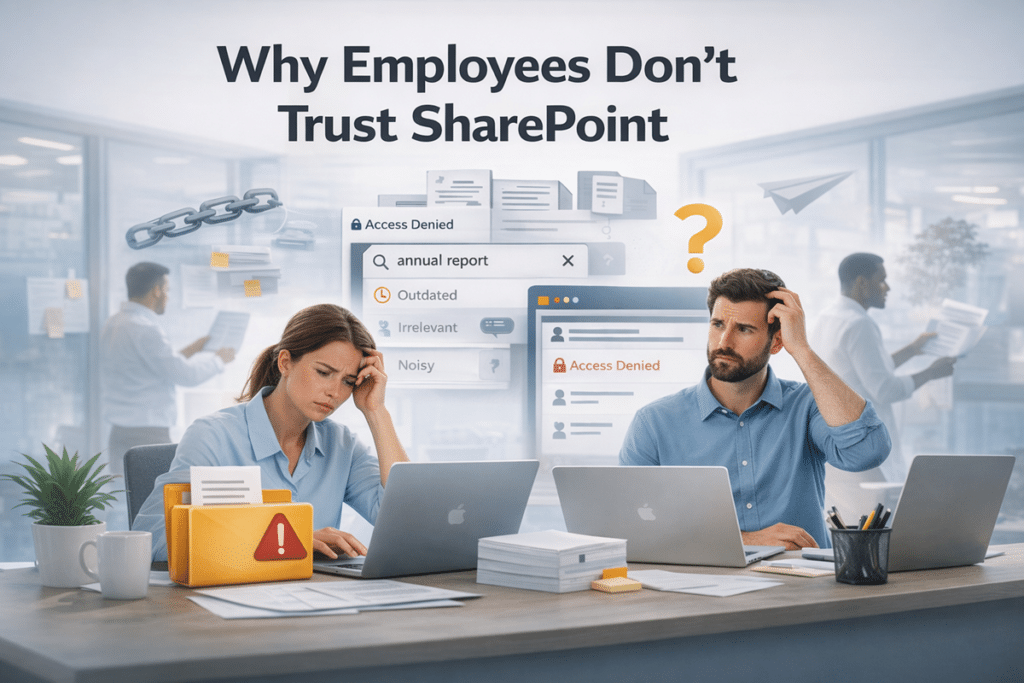
Professional office scene with employees frustrated by SharePoint issues such as outdated search results, access denied errors, and document confusion

Why Employees Don’t Trust SharePoint — And Why Training Won’t Fix It

Employees do not usually reject SharePoint because they hate change. They stop trusting it because the environment teaches them not to rely on it.
Read More
Business team comparing SharePoint and Dataverse for Power Apps on a presentation screen with the dataBridge logo

SharePoint vs Dataverse for Power Apps: Which Data Source Should You Choose?

Should you use SharePoint or Dataverse for Power Apps? This guide explains how to choose the right data source based on app complexity, scale, governance, reporting, and Microsoft 365 integration.
Read More
Business team reviewing SharePoint content cleanup decisions for Copilot rollout with archive, keep, and delete categories and the dataBridge logo

What to Archive, Keep, or Delete Before Copilot Rollout

Before Copilot rollout, organizations need to decide what content should stay active, what should be archived, and what should be deleted. This guide explains how to clean up SharePoint content so AI results are more accurate, trustworthy, and useful.
Read More
SharePoint site owner reviewing permissions and governance documents beside a laptop with a SharePoint dashboard and the dataBridge logo

SharePoint Site Owner Responsibilities: What Owners Must Manage Before Governance Breaks Down

SharePoint site owners play a critical role in permissions, content quality, structure, sharing, and governance execution. Learn what owners should manage before governance starts to break down.
Read More
Hero image for a March 2026 SharePoint webinar recap with SharePoint interface visuals, digital network background, and the dataBridge logo

March 2026 SharePoint Updates Webinar

This March 2026 SharePoint Concierge Webinar recap covers the Bing Maps to Azure Maps transition, document library updates, the Modern FAQ web part, and common SharePoint mistakes organizations should avoid.
Read More
Business professionals reviewing reports in a conference room beside the dataBridge logo and the title The Hidden Business Cost of Poor Power Platform Governance

The Hidden Business Cost of Poor Power Platform Governance

Poor Power Platform governance does not stay an IT issue for long. It creates business risk through duplicate solutions, unclear ownership, security exposure, support challenges, and inconsistent AI outcomes.
Read More
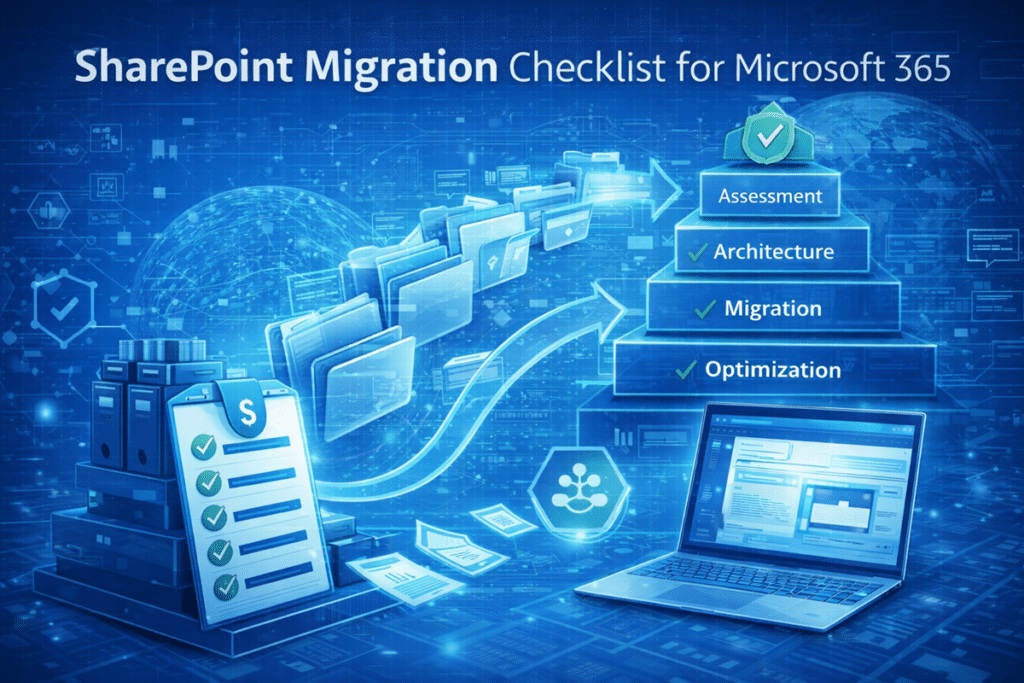
Illustration of a SharePoint migration checklist for Microsoft 365 showing files moving from legacy file shares into SharePoint Online with steps for assessment, architecture, migration, and optimization

SharePoint Migration Checklist for Microsoft 365

A “lift-and-shift” SharePoint migration sounds efficient. In reality, it often recreates the same file chaos organizations were hoping to leave behind. This practical SharePoint migration checklist walks through the steps that matter most—architecture, governance, and content cleanup—so your move to Microsoft 365 actually improves search, collaboration, and long-term usability.
Read More
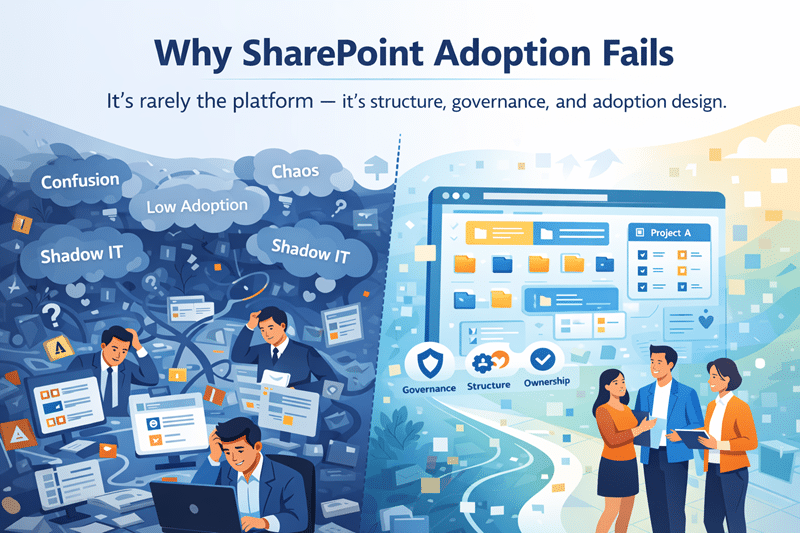
Why SharePoint Adoption Fails

Why SharePoint Adoption Fails

When SharePoint adoption is low, technology often gets the blame. The platform is too complex. Users resist change. The tools don’t fit how people work. In reality, SharePoint adoption usually fails despite solid technology—not because of it.
Read More